01Short
Starter Locs
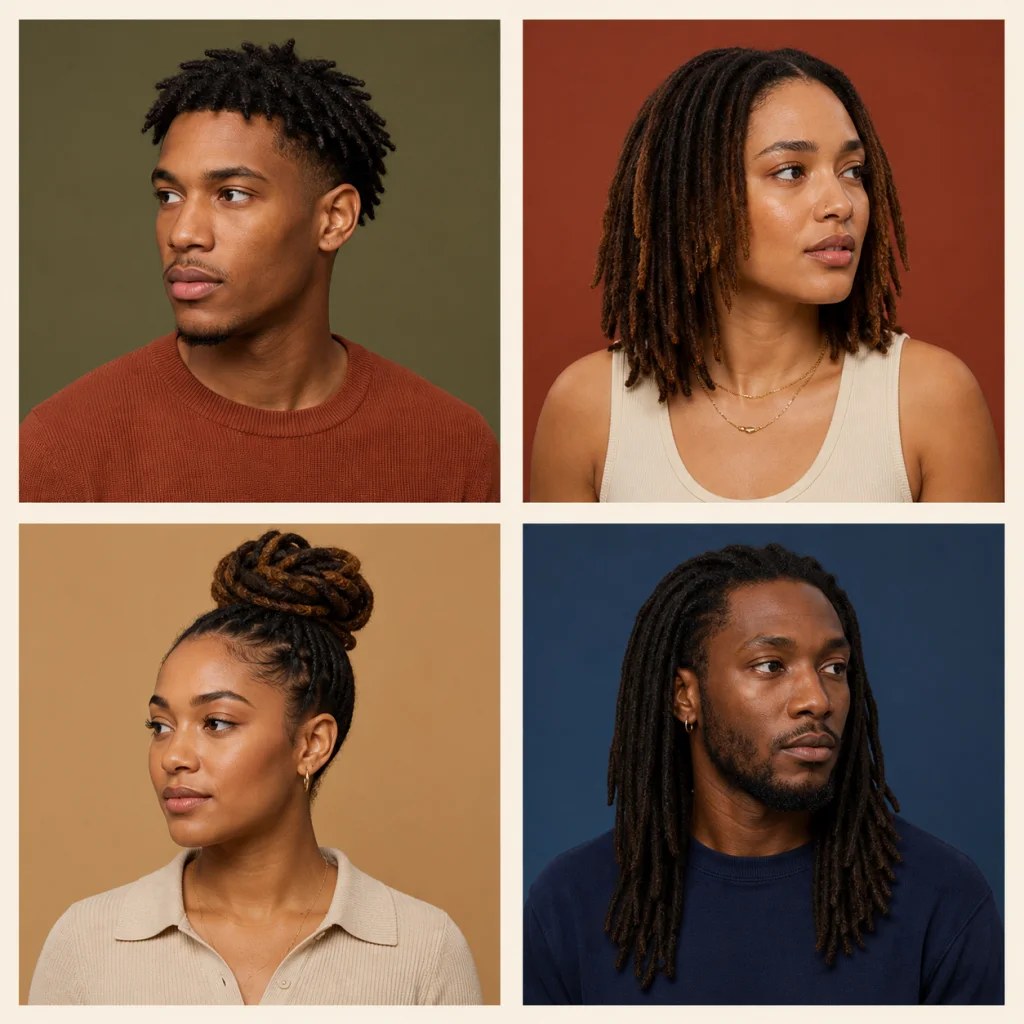
A shorter, structured look helps visualize scale, density, and how the style frames the forehead.
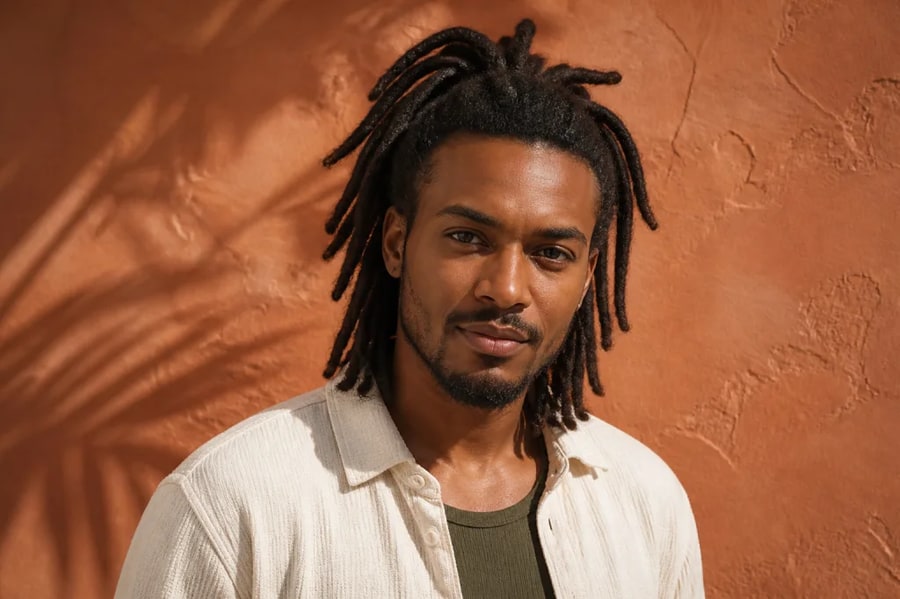
Multiple lengths · natural hairline · realistic texture
Preview loc hairstyles on your photo before changing your hair. Compare starter locs, shoulder-length locs, updos, and longer looks while preserving your face, skin tone, and natural hairline.
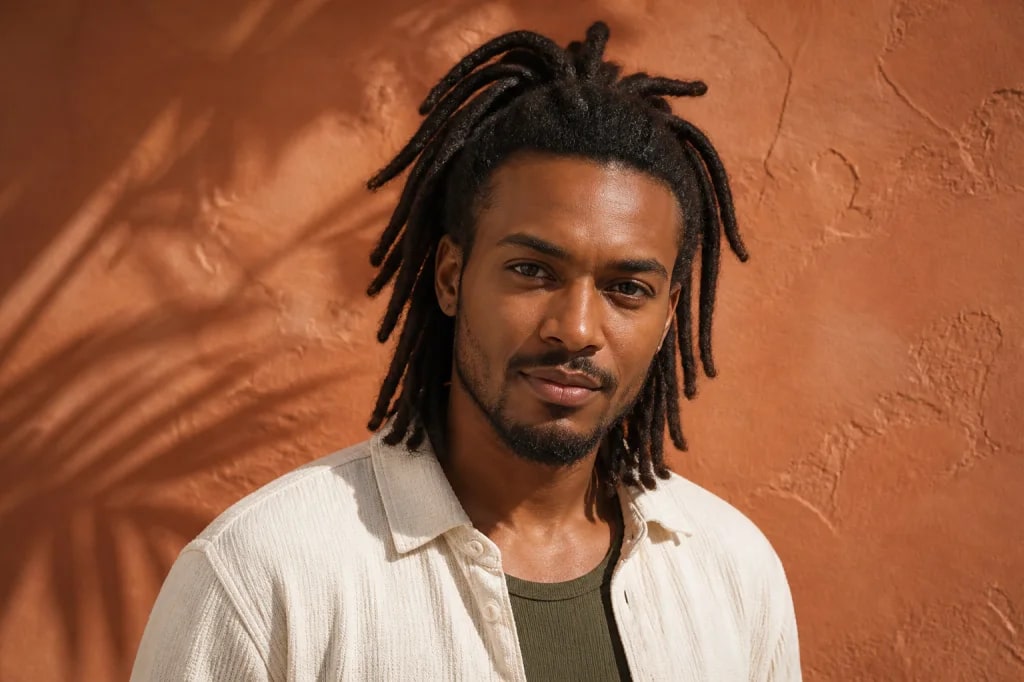
Multiple lengths · natural hairline · realistic texture
01 / Visual directions
The most useful preview respects texture, density, parting, gravity, and the existing hairline. Explore the overall silhouette before discussing a real style with a loctician.
A shorter, structured look helps visualize scale, density, and how the style frames the forehead.
Medium locs add movement around the face while keeping a versatile everyday silhouette.
An updo lifts the length away from the face and previews a polished, practical styling option.
A longer style shows how added weight and vertical lines may change the balance of a portrait.
02 / Why it works
Keep face shape, expression, skin tone, and features stable so you can focus on the hairstyle itself.
Compare short, medium, and long locs, then specify density, thickness, layering, or an updo.
Ask for believable roots, parting, scalp placement, and gravity instead of hair that appears pasted on.
Use the result as a visual conversation starter with a professional, not as a guarantee of how real hair will develop.
03 / Three-step workflow
Keep the source clear, describe one strong direction, then refine the output with deliberate changes.
Use a front or three-quarter photo with even light and an unobstructed hairline.
Specify length, thickness, parting, color, accessories, and whether the locs are down or tied up.
Generate several lengths or arrangements, then save references for your style decision.
04 / Questions
It is a photo-editing preview that adds a loc hairstyle while preserving the person's face and the rest of the image. You can direct length, thickness, parting, color, and styling.
Yes. Compare starter locs, short locs, shoulder-length styles, long locs, and updos. Generate separate images for each length so the silhouette is easy to compare.
Use a clear portrait and ask for realistic root placement, natural parting, believable density, consistent strand thickness, and gravity. Preserve the original hairline and face shape.
Yes. Request subtle cuffs, wraps, beads, ombré ends, or another color direction. Keep accessories limited if your main goal is to judge length, volume, and face framing.
No. It is a visual concept. Real results depend on hair texture, density, starting length, installation method, maintenance, and time. A professional loctician can advise what is practical.
Locs is widely used as a respectful term, though many people also search for dreadlocks. The page uses the search term for discoverability while describing the hairstyles as locs throughout the guidance.
05 / Keep exploring
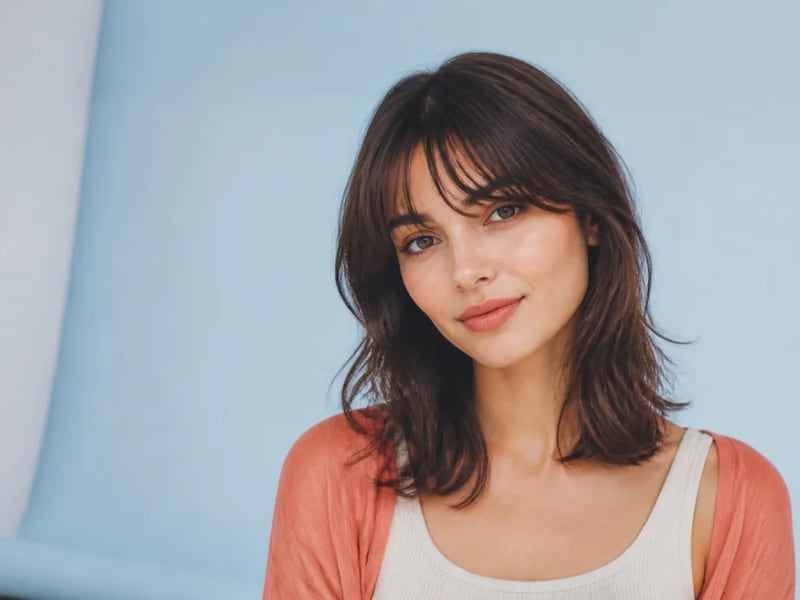
See how curtain, blunt, wispy, side-swept, or micro bangs could frame your face. Preview multiple fringe styles on one portrait while preserving your identity, hair color, and overall haircut.
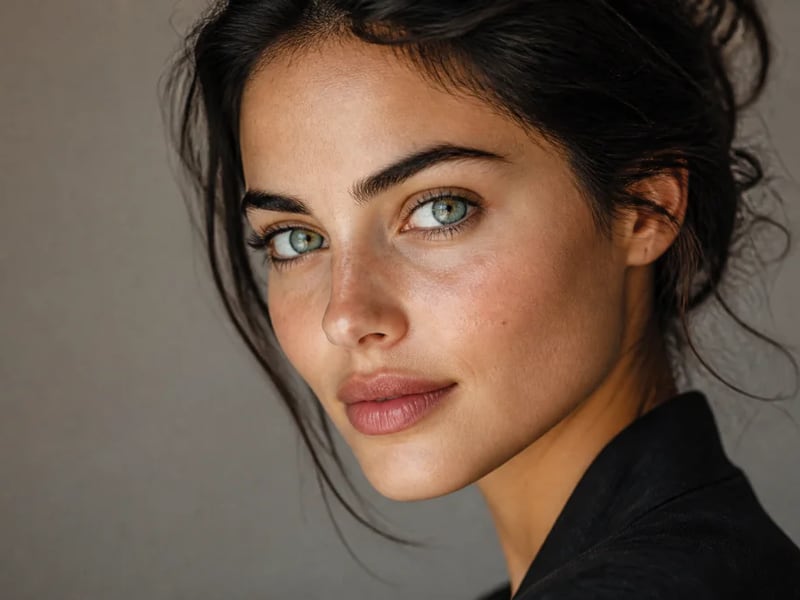
Preview blue, green, hazel, gray, amber, or fantasy eye colors in your photo. Keep natural iris detail, catchlights, skin tone, and facial identity while changing only the eye color.
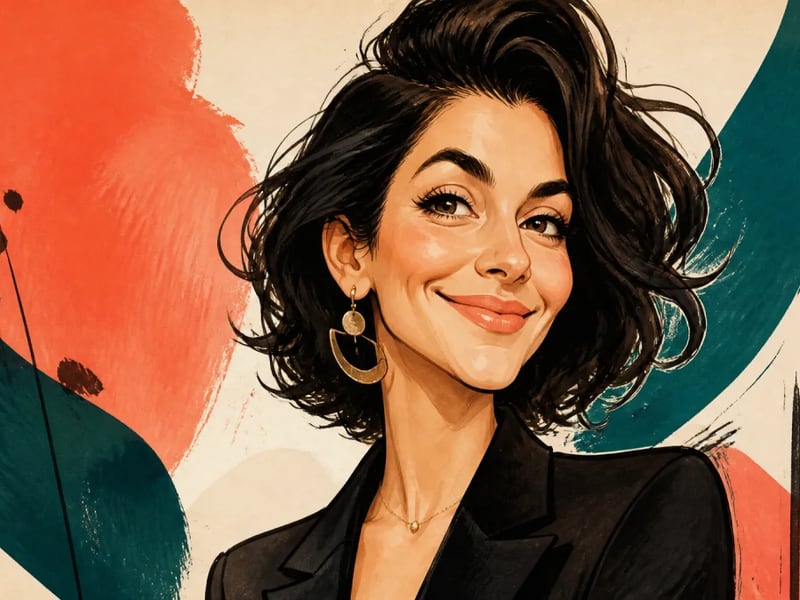
Turn a portrait into a lively illustrated caricature while keeping the person recognizable. Guide the expression, exaggeration, ink style, and color palette for gifts, profiles, and editorial artwork.
Compare lengths, parting, and styling ideas while keeping your face and natural hairline recognizable.
Start creating