Pitch the product
Give clients and stakeholders a tangible preview instead of asking them to imagine the final object.
Use the AI product mockup generator to turn a flat logo, label, or graphic into realistic apparel, packaging, merchandise, and device mockups—without arranging a photo shoot.
Try AI Product Mockup GeneratorChoose a surface, describe the material and scene, then create a mockup that makes scale and context easy to judge.
Apply the source graphic to a premium heavyweight T-shirt in a clean editorial studio.
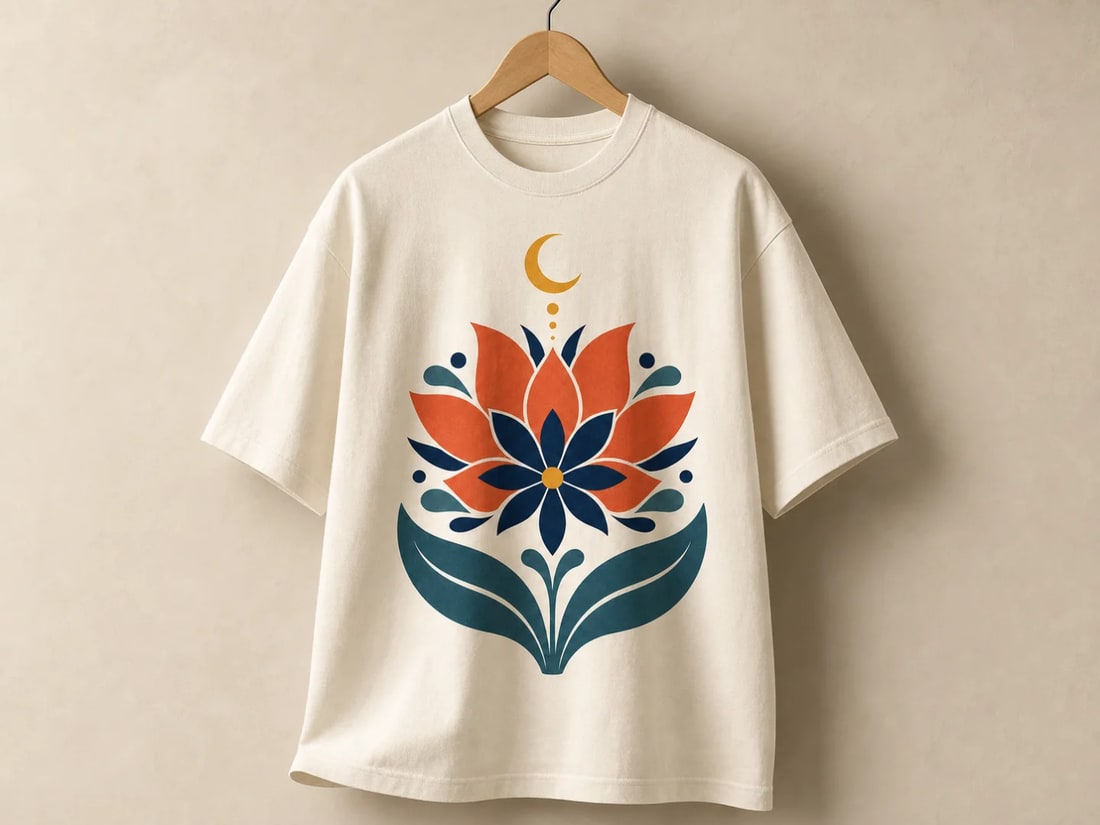
Preview placement, scale, folds, and print behavior on a realistic garment.
Move from an approved design to concrete product directions while the cost of changing your mind is still low.
Give clients and stakeholders a tangible preview instead of asking them to imagine the final object.
Compare apparel, packaging, merch, and devices without hunting for a separate PSD template each time.
Keep one visual identity at the center of a broader set of product concepts.
The strongest mockup prompts define where the design belongs and how the object should feel.
A simple path from source artwork to a polished presentation visual.
Add a clean logo, label, graphic, or product artwork with enough resolution to preserve its details.
Describe the object, material, print method, camera view, background, and lighting you want.
Create the mockup, then adjust placement, scale, material, or scene until the concept reads clearly.
Practical answers about inputs, output quality, and preparing creative work for real use.
An AI product mockup generator places a design or brand asset onto a described product scene, helping you visualize apparel, packaging, merchandise, and other surfaces without building a traditional template.
Yes. Upload your approved artwork as a reference and tell the model to preserve its colors, proportions, and placement while applying it to the product.
You can explore clothing, boxes, bottles, cups, devices, stationery, signage, and many other objects. A precise material and camera description usually produces a more useful result.
Treat generated mockups as visual concepts and presentation assets. Check dimensions, print specifications, trademarks, and packaging requirements before manufacturing.
Bring one design and leave with a set of product mockup directions ready to review, pitch, and refine.
Create with Filtrix