Translate the brief
See how audience, personality, category, and brand story might become a visual form.
Use the AI logo generator to explore original wordmarks, symbols, badges, and brand systems from a written brief. Create focused concepts for a business, product, studio, or side project.
Try AI Logo GeneratorDefine the name, audience, personality, category cues, useful applications, and visual territory. Better constraints create more discussable concepts.
Original identity concept for fictitious cafe MOSS & MUG, warm modern wordmark, simple botanical cup symbol, presentation board.
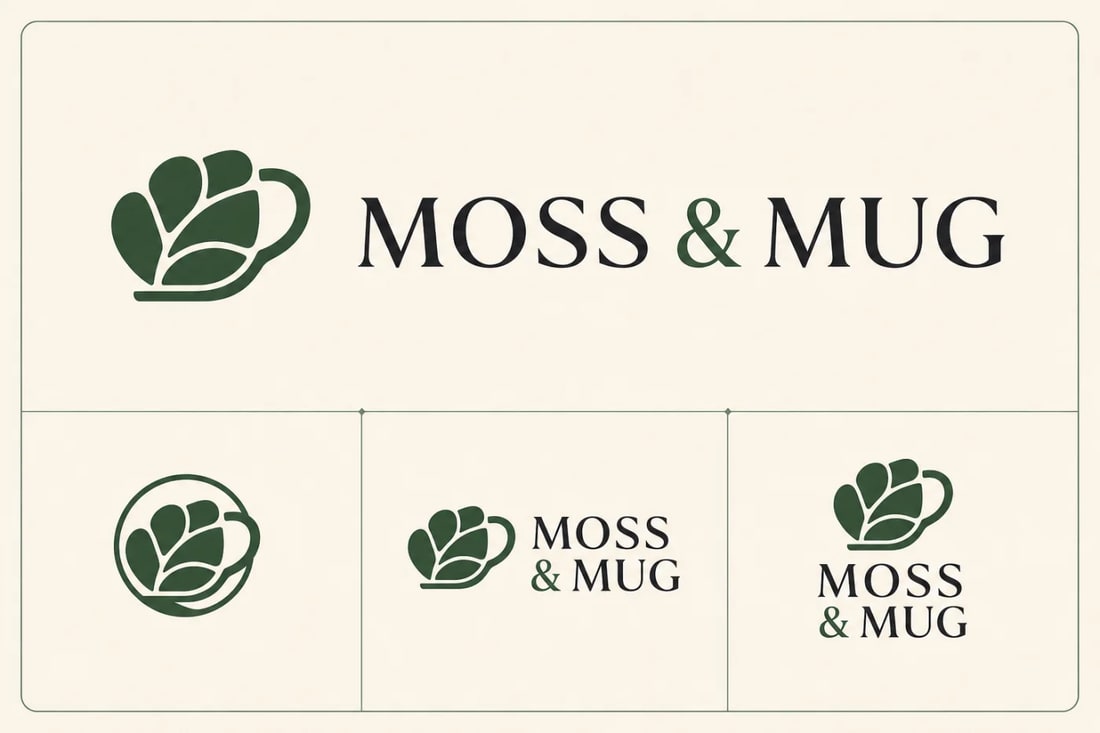
Explore a tactile wordmark and emblem suited to a friendly coffee concept.
Use AI concepts to make abstract brand preferences visible, then refine the strongest direction with care.
See how audience, personality, category, and brand story might become a visual form.
Explore wordmarks, symbols, monograms, badges, and responsive combinations side by side.
Identify the shapes, proportions, and visual tone worth developing into an original final identity.
Name what the company does, who it serves, how it should feel, and where the mark must work.
Start from brand strategy, explore differentiated routes, and validate before adopting any mark.
Include the exact name, offer, audience, personality, visual constraints, competitors to avoid, and applications that matter.
Generate a small set of meaningfully different concepts instead of many cosmetic variations of one idea.
Check spelling and originality, redraw the chosen direction as vector artwork, test it at multiple sizes, and complete trademark review.
Practical answers about inputs, output quality, and preparing creative work for real use.
Provide the exact brand name, what the business does, its audience, personality, desired logo type, color constraints, applications, and visual territory to avoid.
Image models can propose typographic directions, but lettering may contain errors. Check every character and recreate the final wordmark with appropriate type or custom vector lettering.
No automatic trademark clearance is implied. Search for similar marks, review the relevant markets and classes, confirm rights and model terms, and consult a qualified professional when necessary.
Yes. Redrawing the selected concept as clean vector artwork gives you precise geometry, scalable files, controlled color, and the variants needed for real brand applications.
Turn a considered brief into distinct logo territories, then refine and validate the direction that feels unmistakably yours.
Create with Filtrix