Realistic lifestyle settings
Build contextual interiors and real-use environments around the product with grounded perspective.
Place a product into realistic lifestyle scenes without rebuilding a physical set. Create store-ready product staging for ecommerce pages, marketplace listings, launches, and social ads.
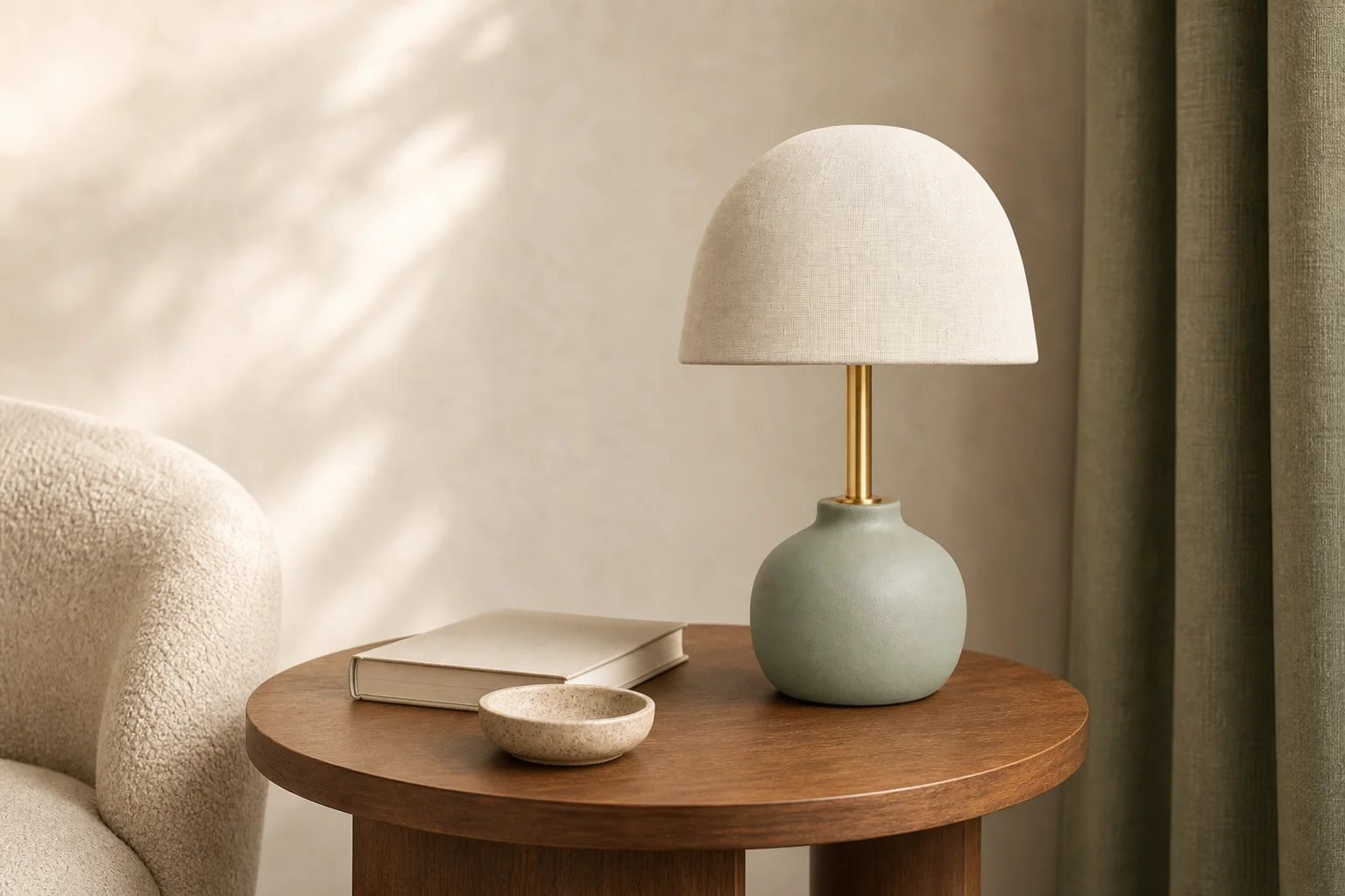
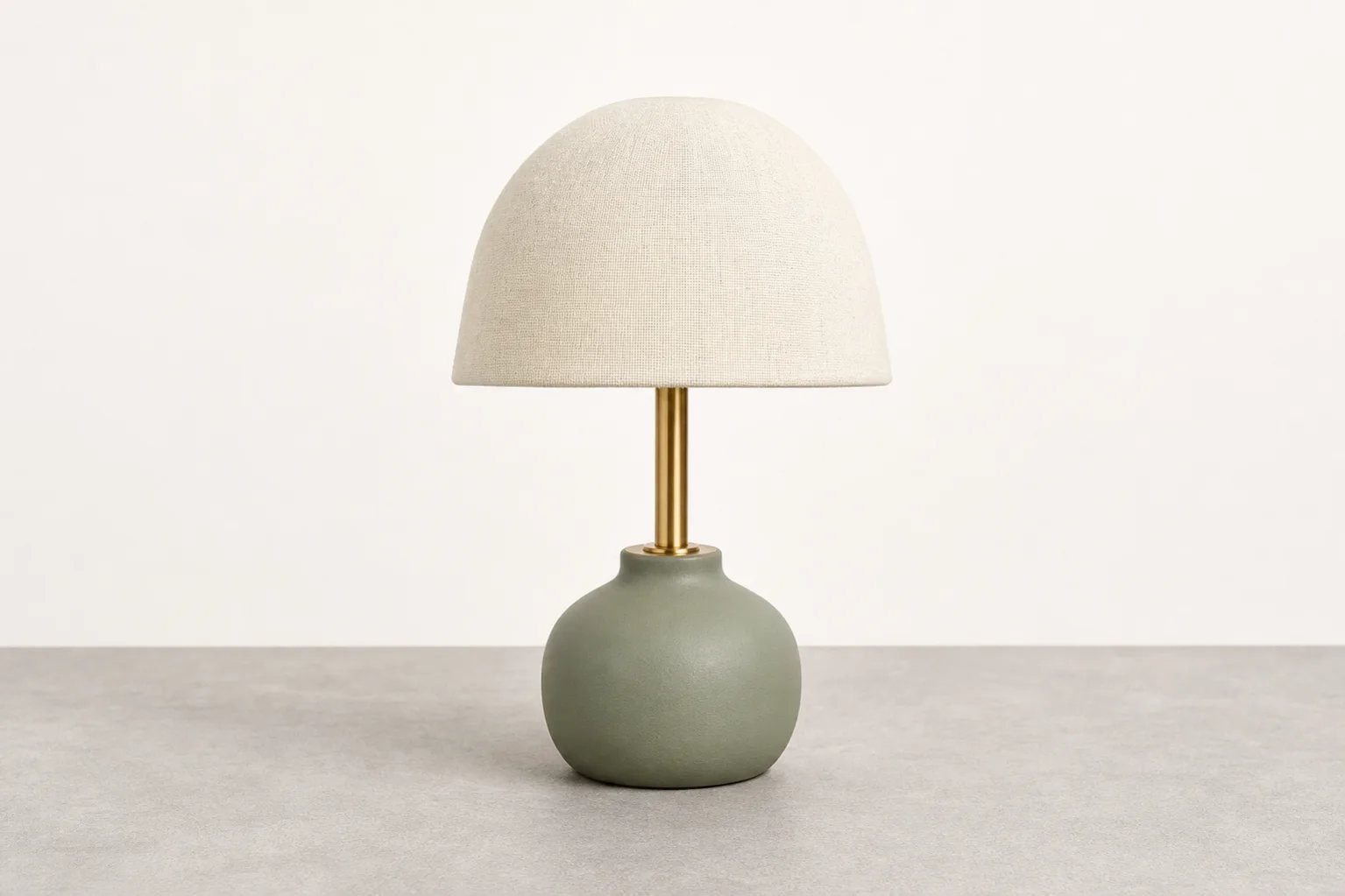
Move a plain studio product into a believable room, counter, desk, shelf, or seasonal setting. Control the environment while preserving the item customers are buying.
Build contextual interiors and real-use environments around the product with grounded perspective.
Add restrained furniture, surfaces, and supporting objects that reinforce scale and category.
Match daylight, studio, seasonal, or editorial light to the product materials and intended channel.
The example places the same sage ceramic lamp into a warm living-room scene with a walnut table, natural morning light, and restrained styling.
Review: Verify dimensions, colors, materials, functional parts, packaging, labels, and claims before using a staged image in commerce.
Upload the product, describe the environment and composition, then check the staged result against the real item.
Use a sharp source with the full silhouette, accurate materials, and minimal visual obstruction.
Set the location, surface, supporting props, lighting, mood, camera angle, and negative space.
Check product fidelity and export versions for listings, banners, launches, and social campaigns.
Place lamps, decor, appliances, kitchenware, and devices into believable room scenes.
Build tactile vanity, shelf, travel, and editorial setups around smaller products.
Pair clean hero images with lifestyle photos that explain scale, use, and visual fit.
Refresh scene styling for launches, gifting, holidays, bundles, and limited campaigns.
A strong staging brief says exactly where the product goes, how the scene should feel, and which physical details must not change.
Open Custom ModePlace the exact lamp on a medium-walnut side table in a serene modern living room with warm morning window light. Add one cream book and a small stone bowl, leave negative space on the left, and preserve the exact sage ceramic base, brass stem, cream linen shade, proportions, materials, and colors.
AI product staging places an existing product image into a newly generated lifestyle or commercial environment, adding context, surfaces, props, lighting, and composition around the item.
Product staging focuses on placing the item in a believable real-use scene. Product beautification is broader and can improve the lighting, background, surface, color direction, and overall campaign polish without requiring a lifestyle context.
Home decor, electronics, kitchenware, beauty, accessories, shoes, bags, jewelry, packaged goods, pet products, and many other physical items can work with a clear source photo.
Yes. Describe the room or location, surface, lighting, props, palette, camera angle, product placement, and the amount of negative space you need.
Yes, after checking the generated product against the real item. Verify materials, colors, proportions, features, labels, and claims before commercial use.
Create the lifestyle setting, preserve the product identity, and reuse the result across product pages, marketplaces, and campaigns.
Stage a product image