Find the visual hook
Turn a phrase, theme, mood, or audience into a concrete graphic direction.
Create original shirt graphics from text with an AI T-shirt design generator. Explore streetwear, vintage, minimalist, and print-on-demand directions before preparing final artwork.
Try AI T-Shirt Design GeneratorDescribe the theme, composition, ink count, and print character. Use each generation as a direction to refine—not a shortcut around final production checks.
Original nocturnal streetwear T-shirt graphic, electric ink, sharp composition, screen-print ready aesthetic.
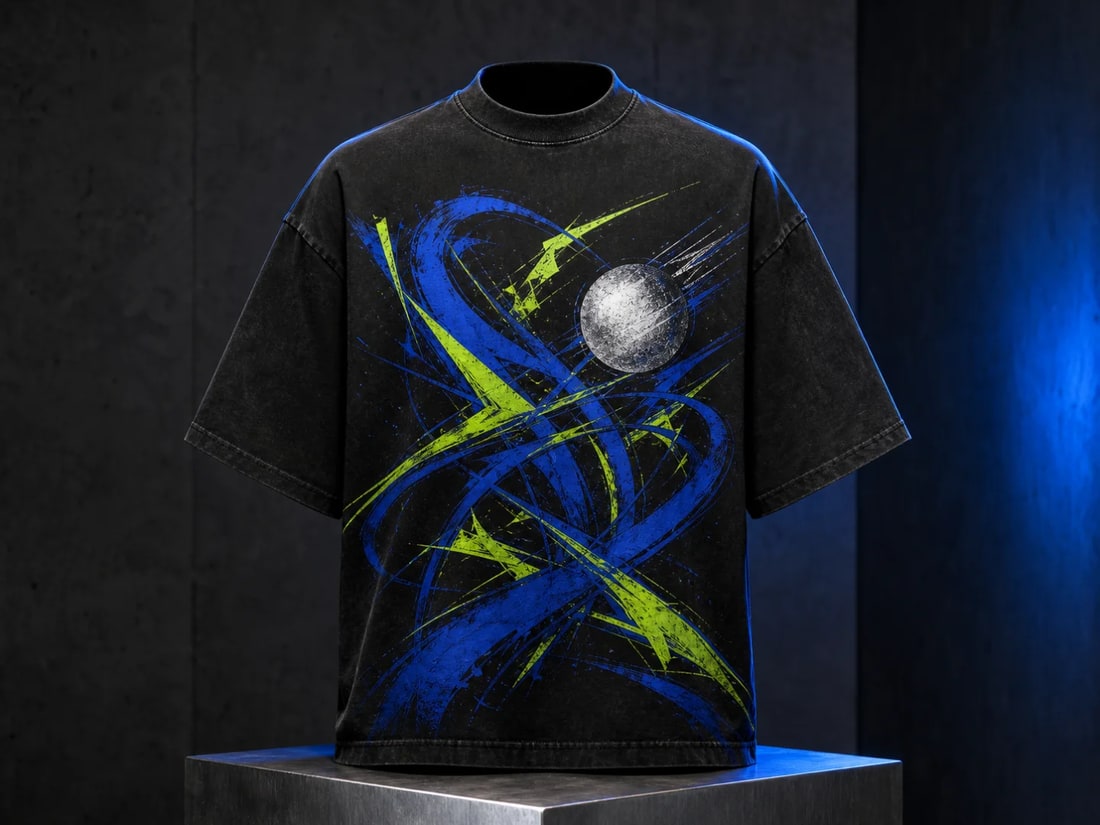
Build a high-contrast centerpiece with expressive shapes and a strong silhouette.
Create distinct directions quickly, then choose the one that deserves careful production artwork.
Turn a phrase, theme, mood, or audience into a concrete graphic direction.
Test streetwear, vintage, minimal, illustrated, typographic, and badge-based compositions.
Prompt for limited colors, strong silhouettes, and separation-friendly shapes before final prepress work.
Name the audience, visual subject, print character, and composition instead of relying on a one-word style.
Build a clear concept, review it on its own, then prepare it properly for print.
Describe the subject, audience, mood, composition, ink palette, and whether the artwork is for the front, back, or pocket.
Create multiple original options and compare them at thumbnail size as well as full size.
Check originality and spelling, redraw or vectorize as needed, separate colors, and confirm the printer's file requirements.
Practical answers about inputs, output quality, and preparing creative work for real use.
Yes. A detailed text brief can produce original visual directions for shirt graphics, including illustrative, typographic, vintage, and minimalist approaches.
You can use generated work as a starting point, but review the output, usage terms, trademarks, typography, resolution, and your print provider's specifications before publishing or selling it.
Ask for a limited ink palette, bold closed shapes, clean negative space, minimal gradients, and no garment mockup. Final color separation and cleanup should still be handled before printing.
Your prompt should request original artwork and avoid brand names, copyrighted characters, artist imitation, and trademarked phrases. Review every result before commercial use.
Start with a sentence, explore three strong directions, and take the best concept into final print production.
Create with Filtrix