Describe any destination
Ask for a clean studio, branded campaign set, outdoor lifestyle scene, office, seasonal world, or uploaded reference.
Upload one photo and describe a new setting. Filtrix replaces the background, matches the light and shadow, and keeps the product or person recognizable.
A useful background changer does more than remove a scene. It creates a new environment, then reconnects the subject through perspective, light, color, and contact shadow.
Ask for a clean studio, branded campaign set, outdoor lifestyle scene, office, seasonal world, or uploaded reference.
Lock product geometry, materials, colors, face, hair, clothing, pose, camera angle, and crop.
Match edge treatment, perspective, environmental light, reflections, and contact shadows instead of pasting a cutout.
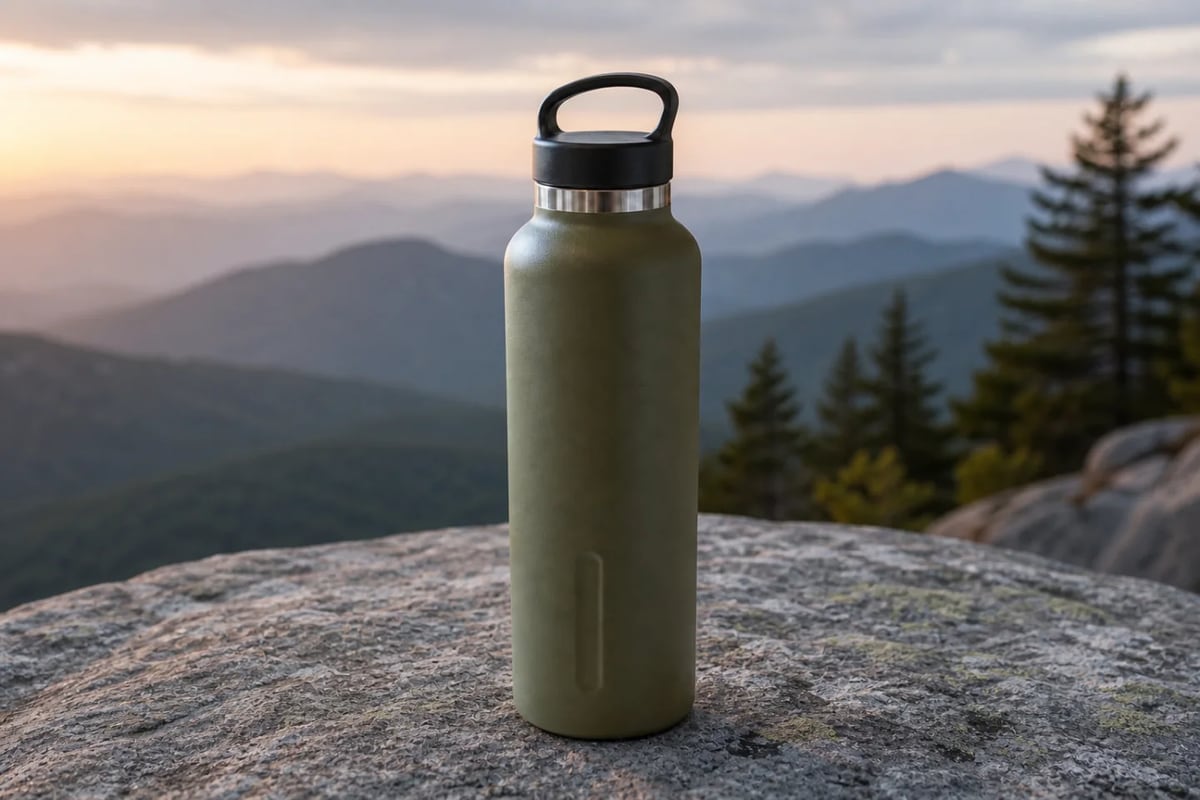
The bottle stays recognizable while the environment changes for a seller photo, marketplace listing, outdoor story, and branded campaign.
 01
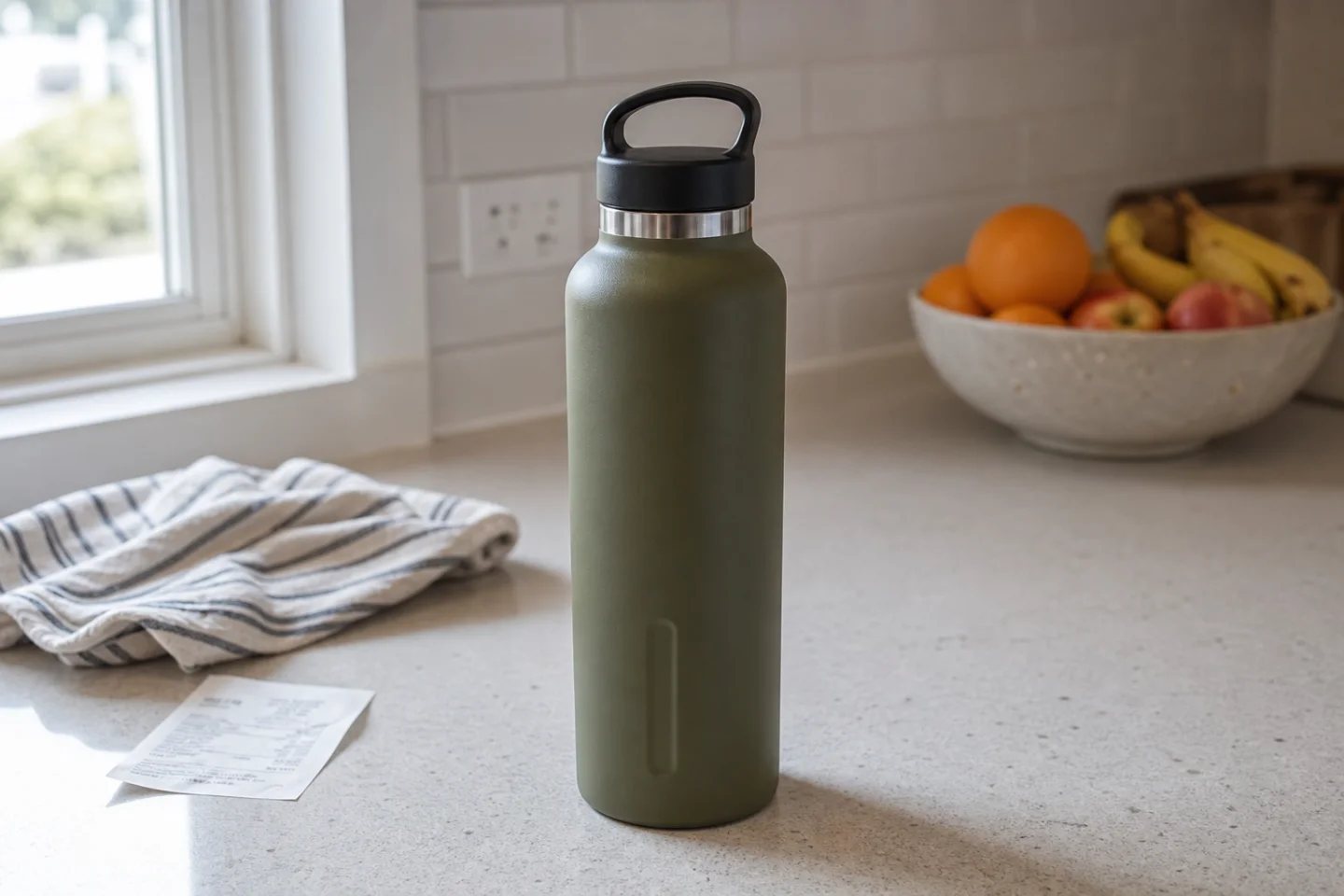
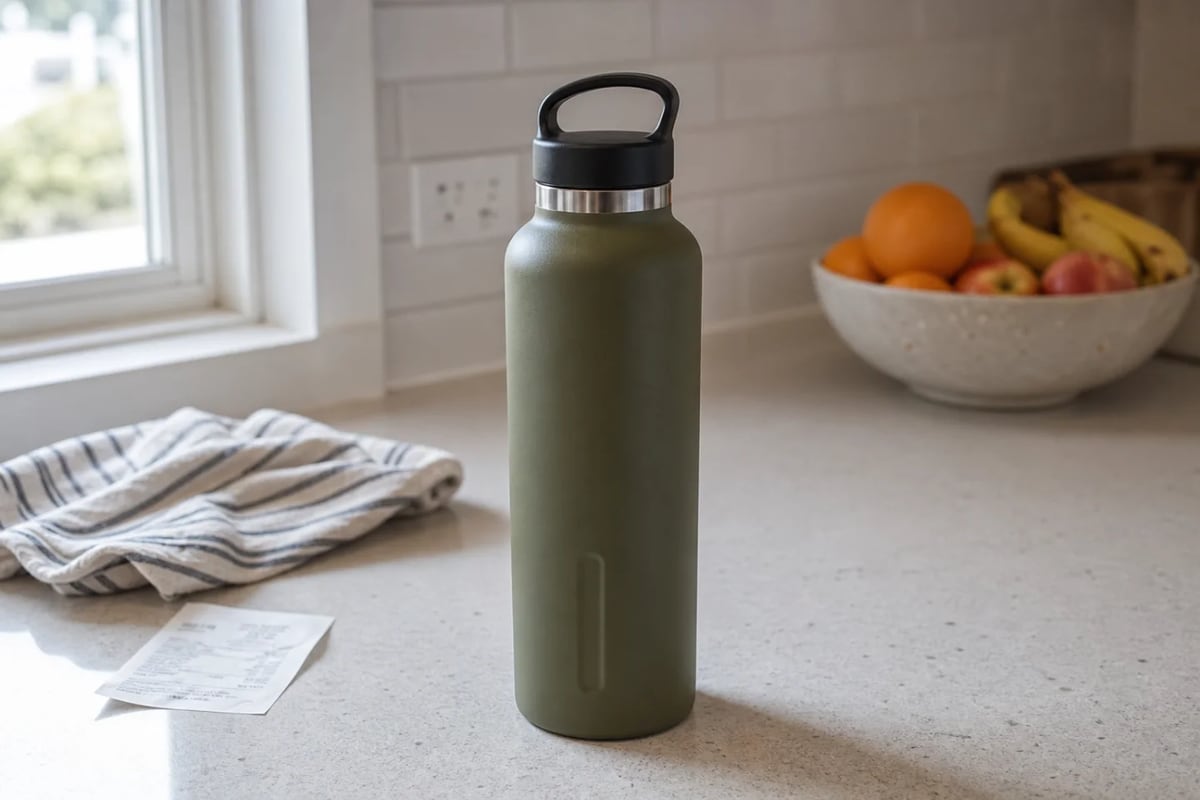
01A believable kitchen photo with useful product detail but distracting context.
 02
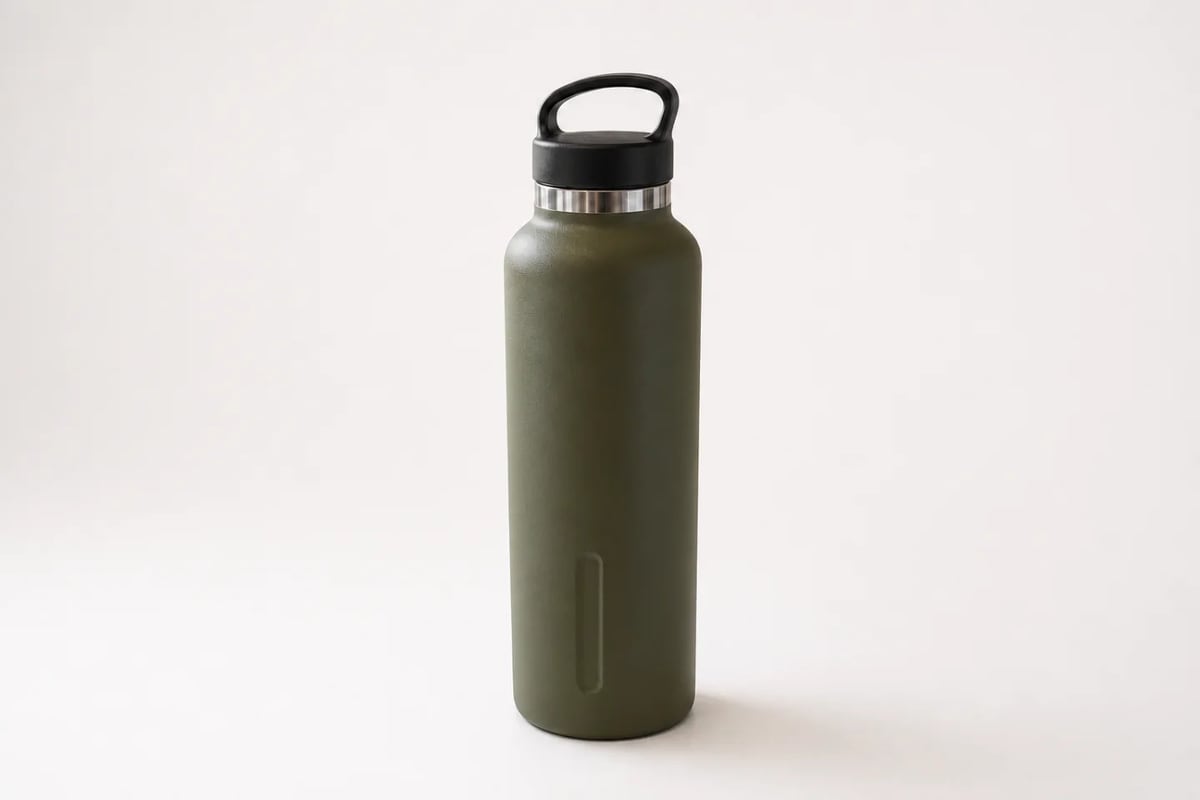
02A neutral sweep, accurate olive color, crisp silhouette, and grounded shadow.
 03
03Granite, mountain depth, dawn light, and the same protected bottle geometry.
 04
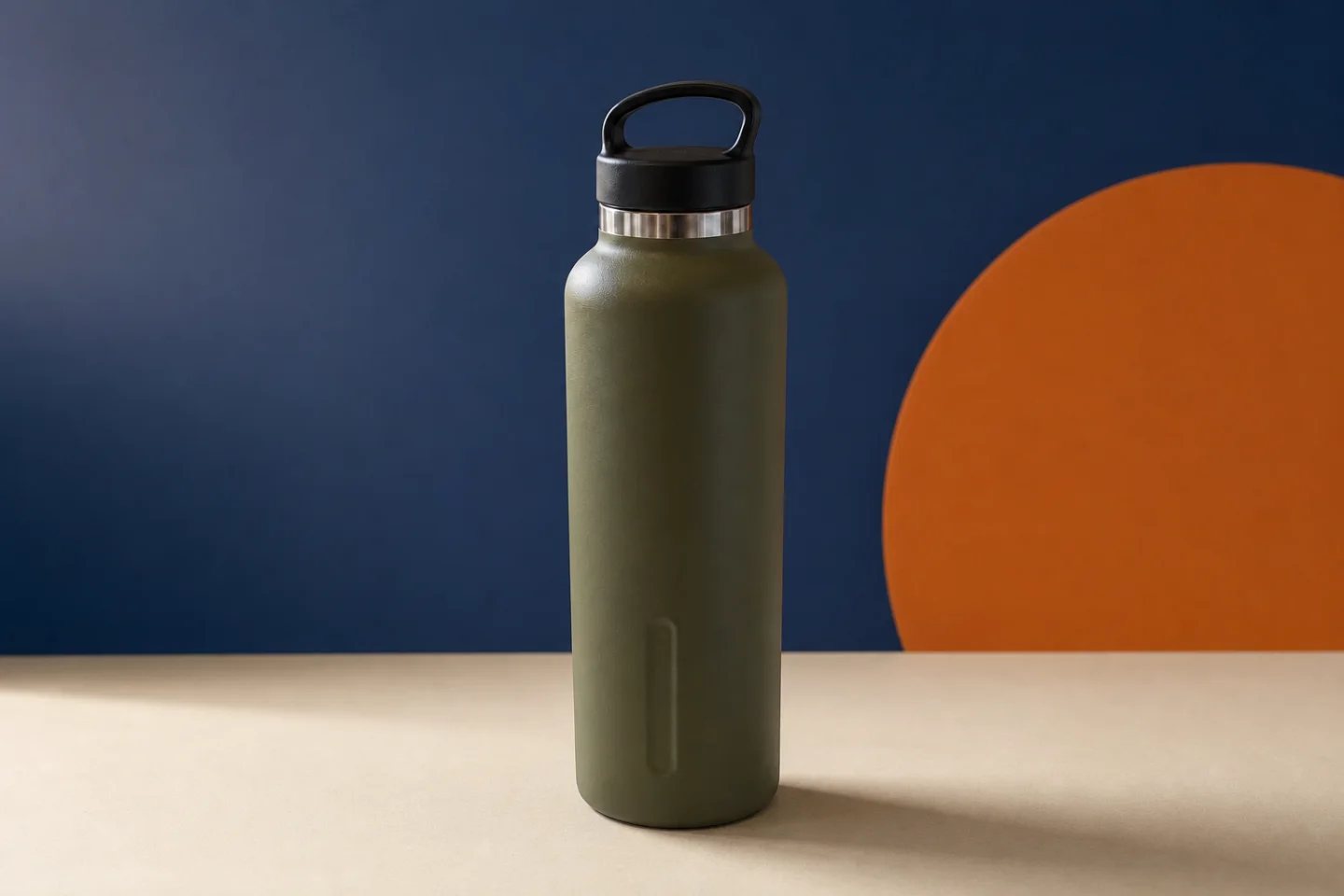
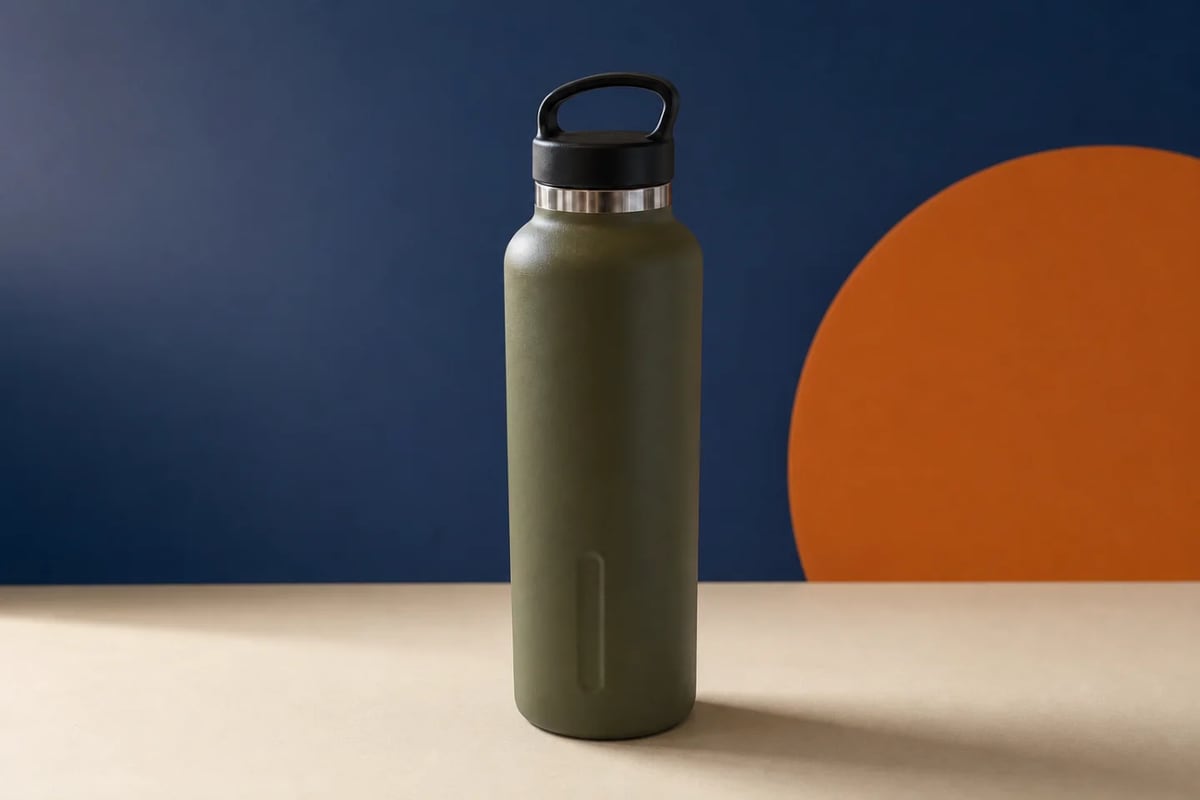
04Cobalt, cream, and orange create an ad-ready setting without redesigning the product.
The source is an ordinary kitchen photo. The edit creates a graphic campaign studio while preserving the same cap, handle, silver ring, olive finish, proportions, and camera.
Review: Check fine edges, labels, facial identity, product color, reflections, contact shadows, and perspective before commercial use.
Background changes also serve LinkedIn profiles, speaker bios, team pages, resumes, and personal brands. The office changes; identity, expression, hair, clothing, and crop stay fixed.


Treat background replacement as a directed edit: define the new environment and separately list everything the model must preserve.
Choose a sharp image with the full subject visible and enough separation around hair, straps, handles, and edges.
Name the location, surface, light, and mood, then lock identity, geometry, color, materials, pose, and framing.
Inspect the silhouette, hair, reflections, shadows, perspective, color spill, and protected details at full size.
Move a phone photo to white, neutral, branded, or marketplace-ready backgrounds.
Reuse one approved product in seasonal launches, ads, banners, posts, and stories.
Replace casual rooms with credible office, studio, or neutral professional settings.
Remove distracting surroundings while keeping the person, moment, and composition recognizable.
Strong briefs separate environment, lighting, and shadows from product or identity invariants.
Open Custom ModeReplace only the kitchen with a deep cobalt curved wall, warm cream surface, and one burnt-orange circle in the distance. Match soft upper-left studio light and contact shadow. Preserve exactly the olive bottle, black loop cap, silver ring, lower groove, color, scale, position, camera, and crop. Add no text or props.
It detects the subject in an uploaded photo and replaces the surrounding environment with a solid color, uploaded image, preset, or prompt-generated scene.
A remover creates a clean cutout or transparent result. A changer builds a new environment and should also harmonize lighting, perspective, edges, and shadows.
Yes. Create white marketplace images, branded studios, lifestyle scenes, seasonal campaigns, or social formats from one approved product photo.
Yes. Clearly instruct the model to preserve face identity, natural skin, hair, expression, clothing, pose, camera angle, and crop.
Inspect hair and fine edges, product geometry, labels, hands, facial identity, color accuracy, reflections, contact shadows, and background perspective.
Upload a product or portrait, describe the destination, lock the important details, and create the next usable background.
Replace a background with AI