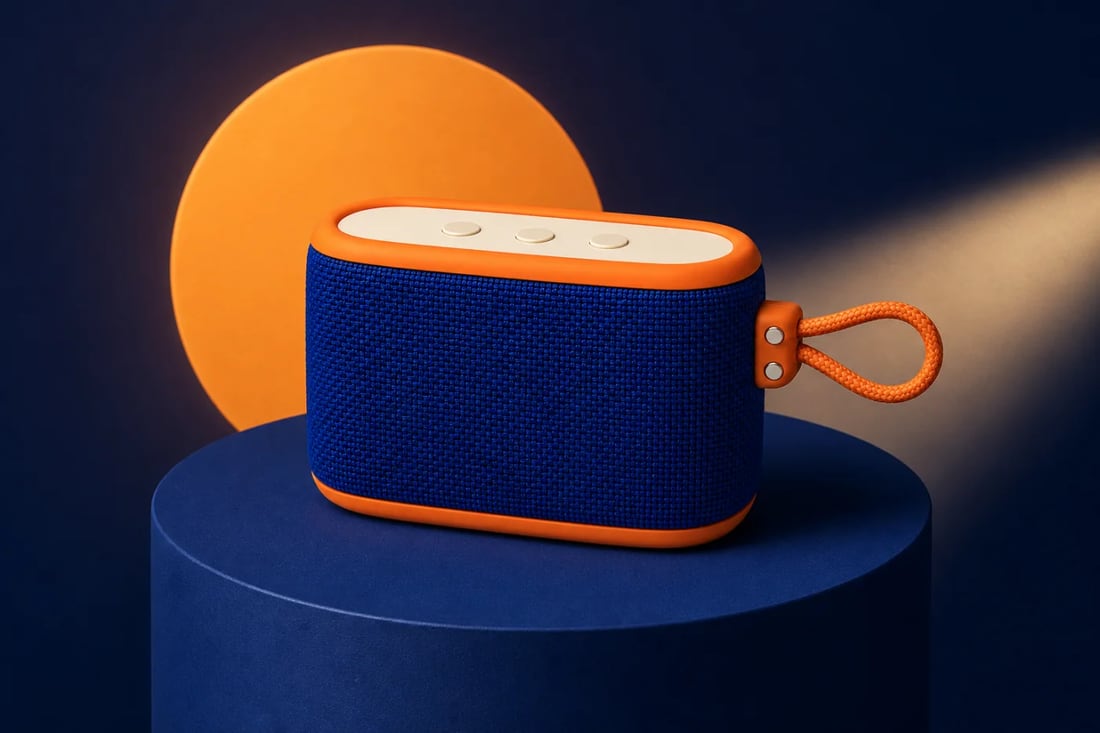
 STUDIO
Editorial studio campaign
Use sculpted light, color-block art direction, and a grounded product-first composition.
Create studio shots, lifestyle product photography, material close-ups, catalog images, and campaign scenes from an approved product photo—without organizing another shoot.
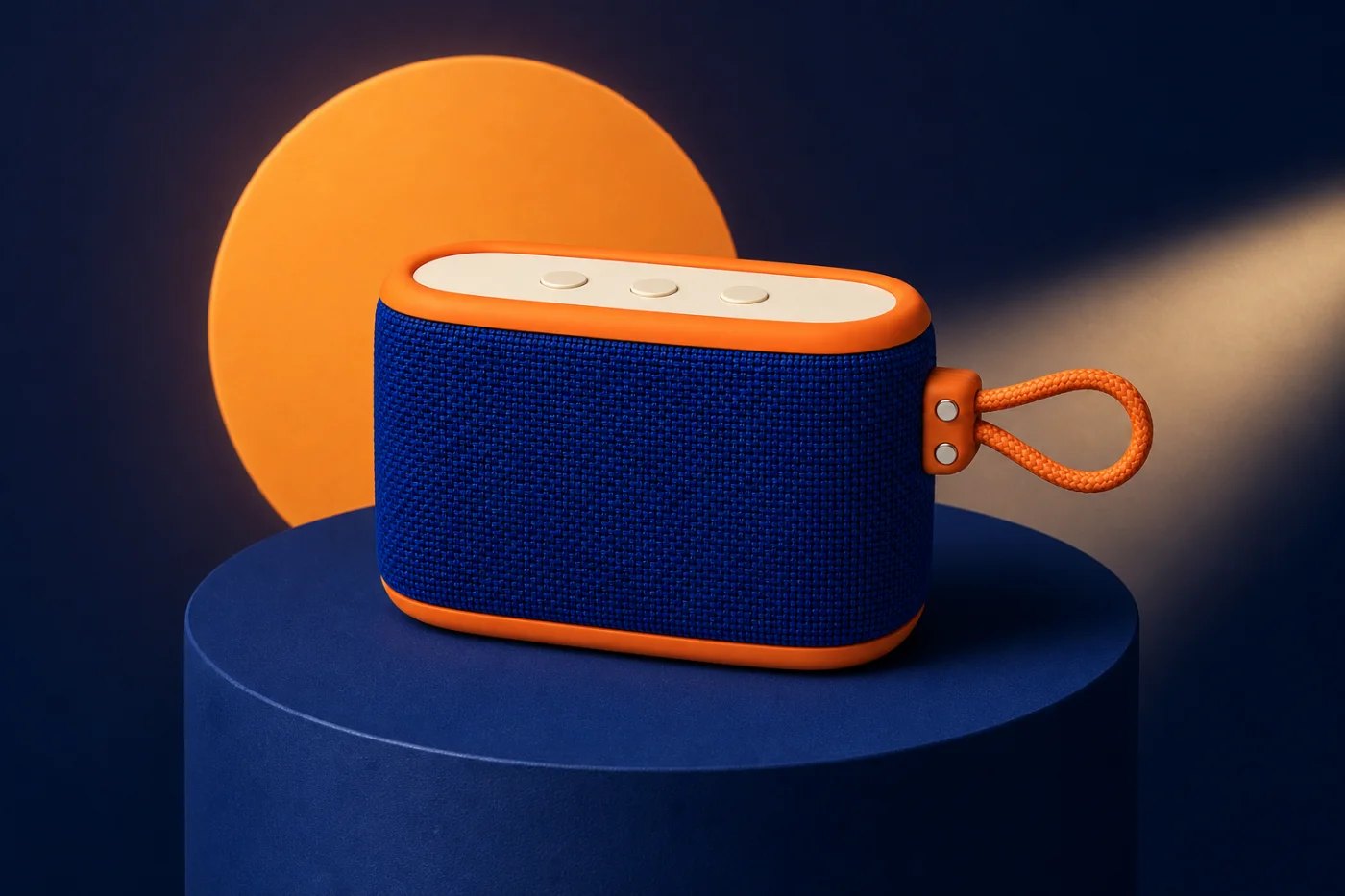
Move from generic background generation to a complete product-photo system for studio, lifestyle, detail, catalog, social, and campaign work.
STUDIOUse sculpted light, color-block art direction, and a grounded product-first composition.
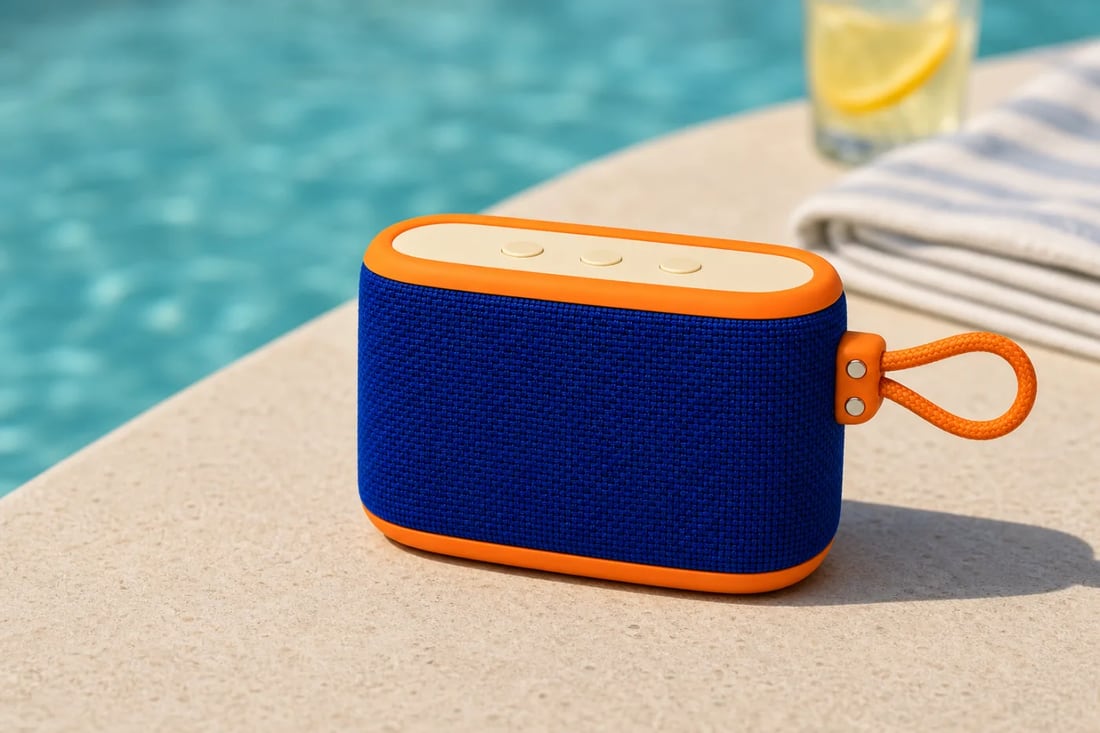 LIFESTYLE
Place the product in a believable context that shows audience, environment, mood, and use.
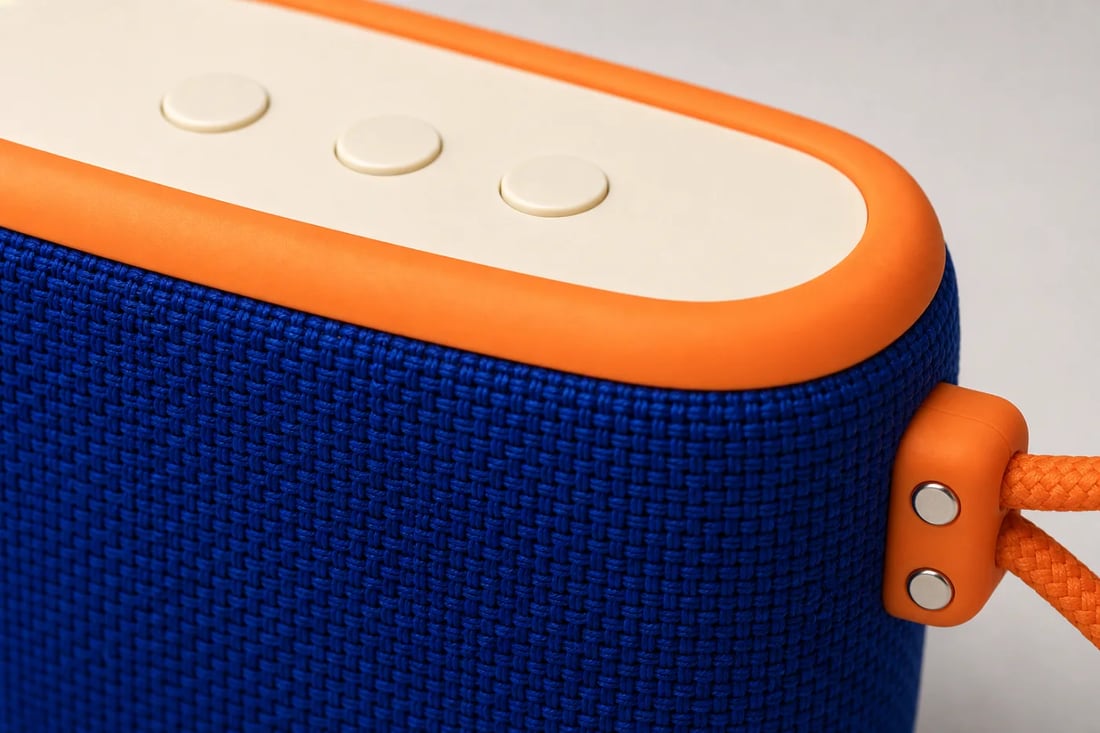 DETAIL
Reveal woven texture, rubber finish, controls, hardware, and construction shoppers want to inspect.
 CATALOG
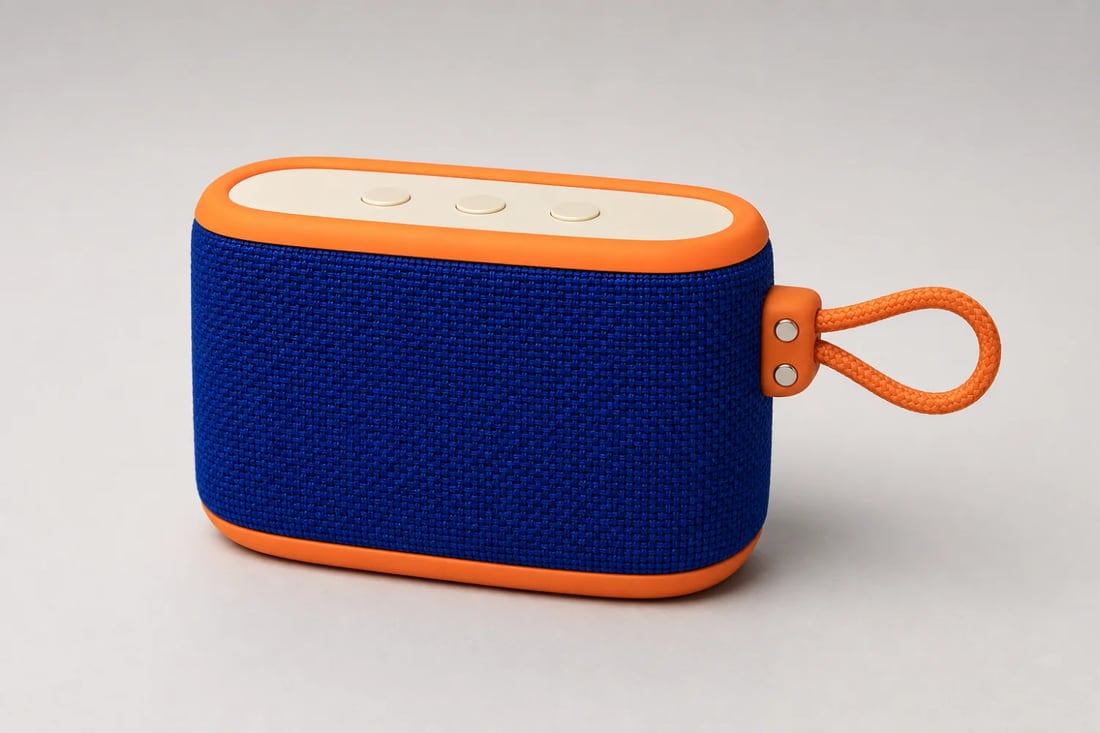
Keep the full silhouette clear on a neutral background for collections, catalogs, and product pages.
 CAMPAIGN
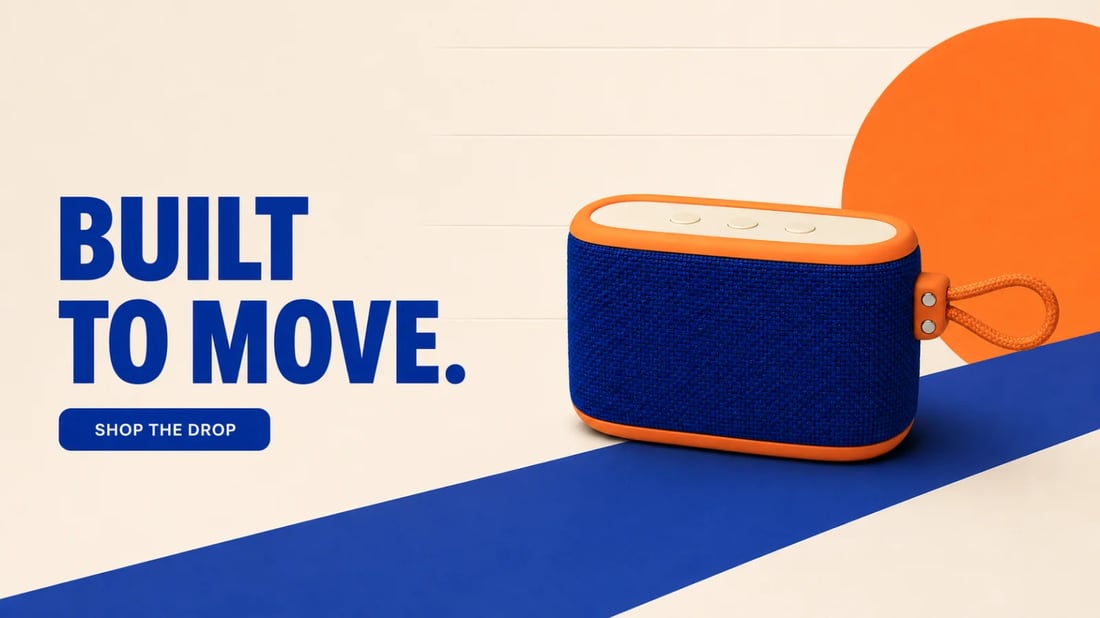
Turn the source into a store hero with deliberate copy space and a complete product silhouette.
Start from product truth and change the photographic direction without rebuilding the item.
Describe studio treatment, lifestyle setting, lens feel, crop, shadows, palette, props, and negative space.
Lock silhouette, materials, labels, controls, colors, straps, packaging, proportions, and protected edges.
Generate catalog shots, product pages, marketplaces, ads, social campaigns, brochures, email, and launch assets.
A clear source plus a focused photographic brief produces more useful and consistent commercial imagery.
Start a product shootShow the full item, accurate color, materials, labels, edges, controls, packaging, and any small parts.
Choose studio, lifestyle, catalog, macro, social, or campaign use and specify scene, light, crop, mood, and constraints.
Check geometry, colors, text, materials, reflections, shadows, scale, props, hands, and crops before use.
Plan stronger studio and lifestyle images from the product assets you already own.
It uses an uploaded product image and written art direction to create new studio, lifestyle, catalog, detail, or campaign photography.
Yes. One clear source can support many directions. Extra angles help with hidden sides, reflective objects, detailed labels, packaging, and complex geometry.
Treat the upload as the source of truth and explicitly protect silhouette, proportions, colors, materials, labels, controls, accessories, camera logic, and fine edges.
Upload one approved image and direct studio, lifestyle, detail, catalog, and campaign shots in the same workflow.
Generate product photos