True top-down framing
Recompose apparel from a clean 90-degree overhead perspective with balanced margins and a readable silhouette.
Turn a garment photo into a clean, top-down clothing flat lay. Arrange apparel, preserve fabric details, and create store-ready fashion catalog images without a studio reshoot.
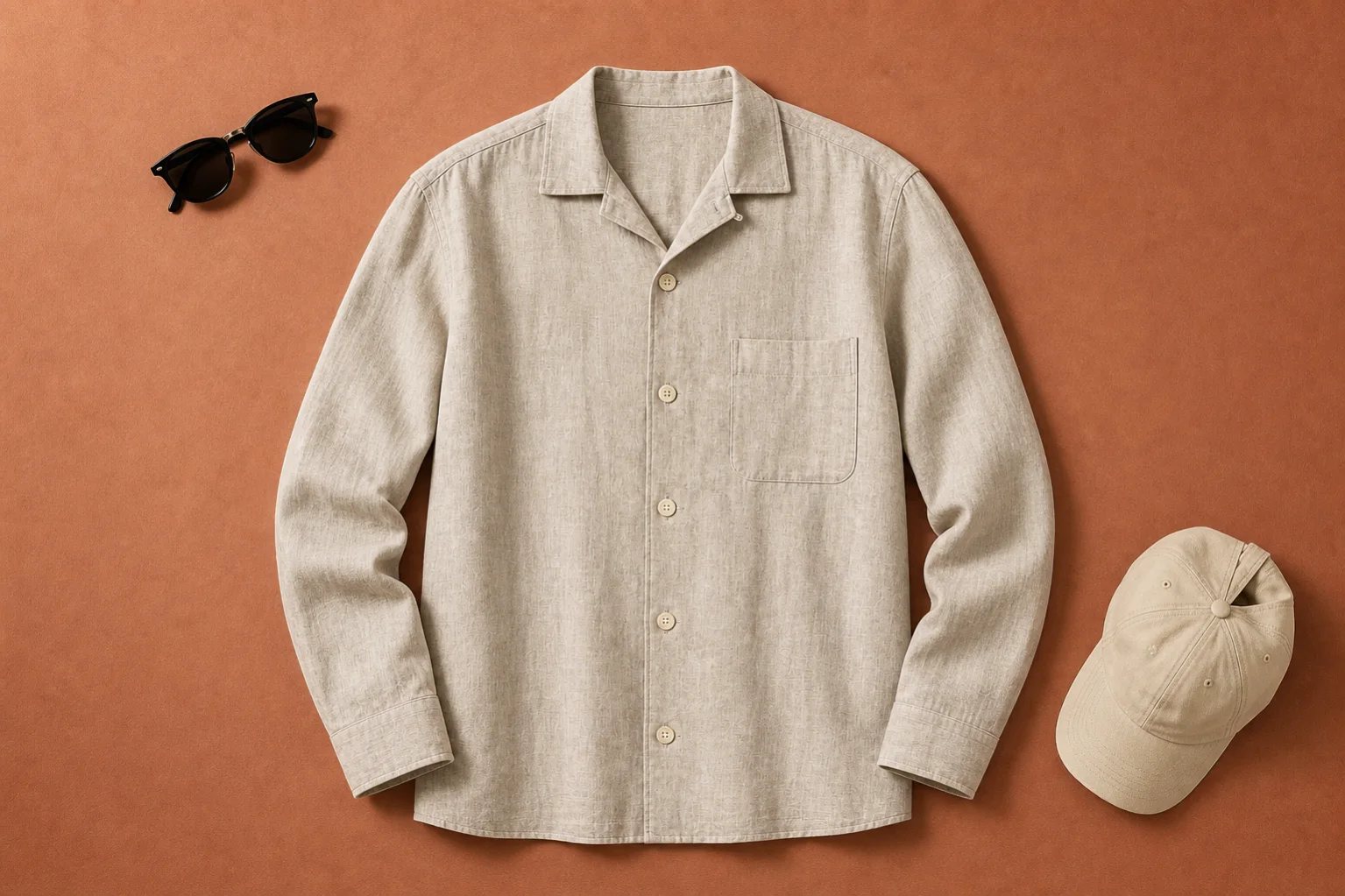
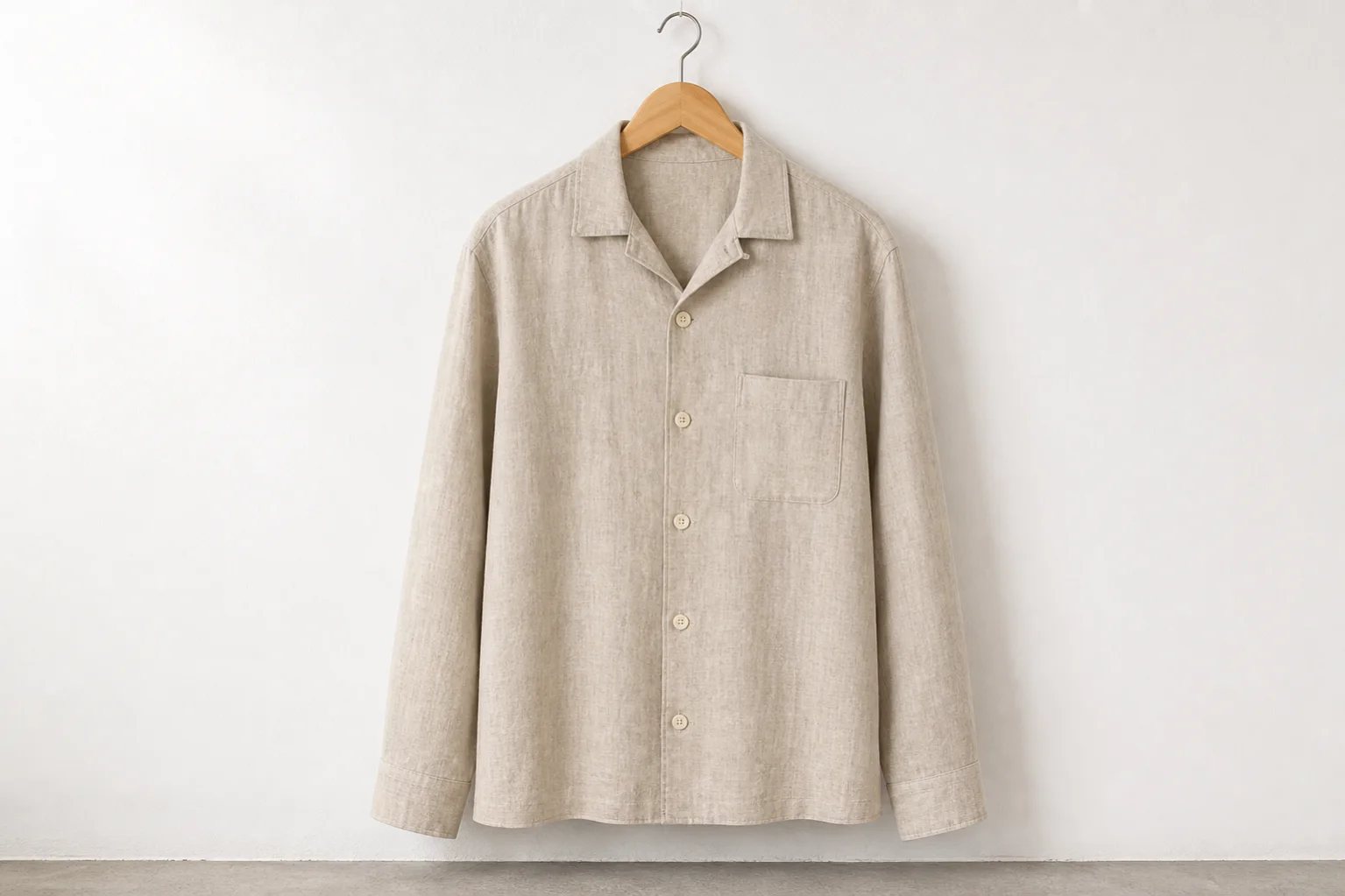
Convert hanging or basic garment photos into polished overhead compositions while keeping the clothing recognizable. Direct the fold, spacing, surface, and supporting props for each collection.
Recompose apparel from a clean 90-degree overhead perspective with balanced margins and a readable silhouette.
Set sleeve placement, garment folds, background color, and restrained props for a cohesive fashion story.
Keep texture, buttons, pockets, collars, seams, and color visible enough for ecommerce review.
This example turns the same linen overshirt from a hanger shot into an editorial top-down flat lay on a rust-colored surface.
Review: Check every button, pocket, hem, logo, material, and color before publishing a product listing.
Start with one readable clothing photo, describe the overhead styling, then review the garment details before export.
Use a clear hanging, mannequin, model, or basic product image that shows the complete item.
Choose the surface, fold direction, sleeve placement, spacing, palette, and optional styling props.
Compare variations, check construction details, and export the strongest clothing flat lay.
Create clear clothing flat lays for shirts, knitwear, trousers, dresses, and accessories.
Standardize top-down apparel photography for catalogs, bundles, and marketplace thumbnails.
Coordinate surfaces, props, and color direction across seasonal drops and outfit sets.
Leave useful negative space for prices, offers, headlines, and campaign messaging.
Name what may move and what must remain unchanged. Specific direction produces a flat lay that is easier to approve.
Open Custom ModeLay the exact overshirt flat on muted rust paper, camera directly overhead. Fold both sleeves inward naturally, add black sunglasses and a canvas cap, and preserve the exact linen color, weave, buttons, pocket, collar, seams, and proportions.
An AI flat lay generator turns an existing garment photo into a top-down apparel composition. It can change the arrangement, surface, spacing, folds, and styling while aiming to preserve the clothing design.
Yes. A clear hanger image can be used as the source for a top-down flat lay. Full visibility of the collar, sleeves, hem, pockets, and buttons helps the result stay accurate.
Shirts, T-shirts, knitwear, trousers, dresses, jackets, activewear, and small accessories can all work. Start with one clearly visible item for the most controlled output.
Yes, after reviewing the generated image against the real garment. Verify color, materials, construction, logos, and every sale-relevant detail before publishing.
Reuse the same overhead angle, surface palette, crop, spacing, lighting, and prop rules across a collection, then review each product individually.
Create an overhead composition, verify the apparel details, and reuse the result across your product page and campaign.
Generate a flat lay