Invisible support removal
Clear away the hanger or mannequin so customers see the garment rather than the photography setup.
Create a clean invisible mannequin effect from a clothing photo. Remove hangers or mannequin distractions, reconstruct the inner neckline, and give apparel a dimensional catalog-ready shape.
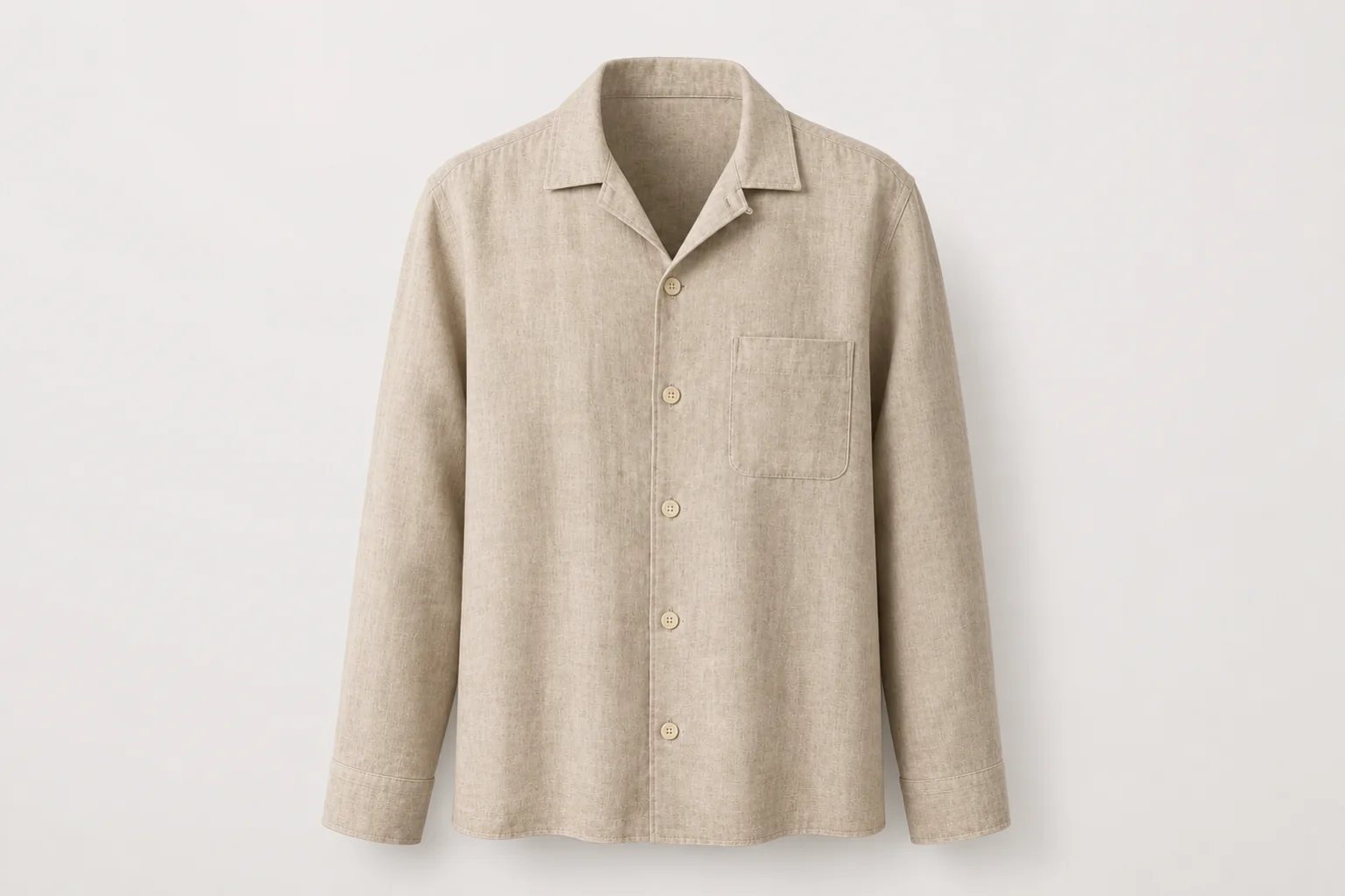
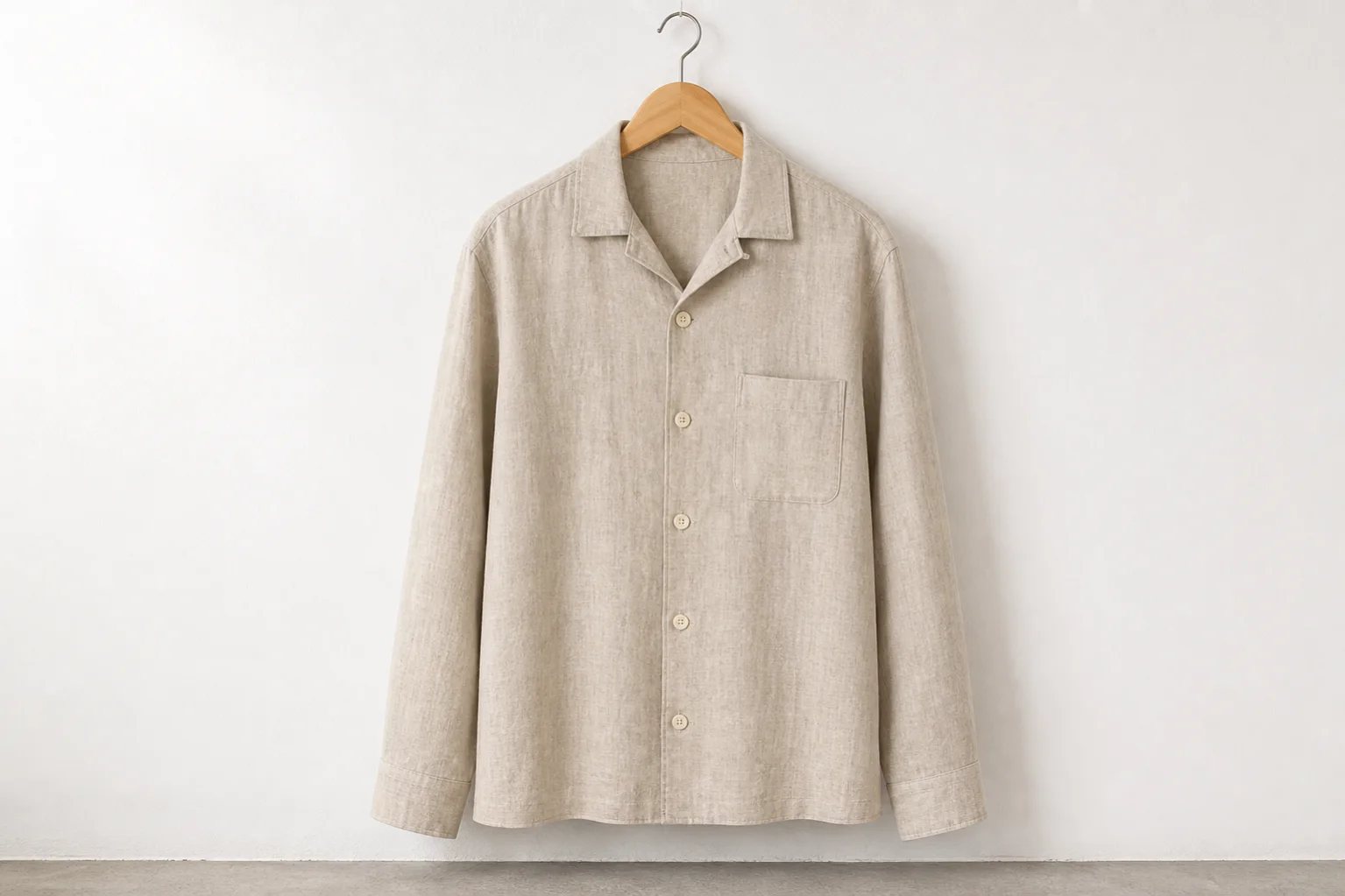
Transform hanger, mannequin, or simple clothing photos into clean 3D apparel product images. Keep the garment front and center while creating believable internal volume.
Clear away the hanger or mannequin so customers see the garment rather than the photography setup.
Generate a physically plausible view of the inner collar, back neck, and shoulder opening.
Add natural shoulder, chest, torso, and sleeve volume while preserving the garment silhouette.
The same linen overshirt becomes a clean invisible-mannequin product image with an open hollow collar and subtle three-dimensional volume.
Review: Compare the result with the physical garment, especially the generated inner collar and any areas previously hidden by the mannequin.
Use a clear clothing source, specify the invisible form, and review every reconstructed area before listing.
Start with a front-facing hanger, mannequin, model, or flat product photo with clear edges.
Ask for support removal, hollow-neck reconstruction, natural torso volume, and a clean studio background.
Check collar geometry, hidden fabric, seams, color, and silhouette before downloading the result.
Show collars, lapels, plackets, shoulders, cuffs, and front construction without a visible form.
Give softer garments readable volume while keeping the material and drape visible.
Build consistent white or neutral-background product images across apparel inventory.
Modernize existing hanger and mannequin assets without scheduling a full reshoot.
A precise brief separates support removal from garment editing and makes the result easier to compare with the real item.
Open Custom ModeRemove the wooden hanger and create a front-facing invisible torso form. Reconstruct a clean hollow neckline with the inner back collar visible, add natural shoulder and chest volume, and preserve the exact linen color, weave, buttons, pocket, cuffs, seams, hem, and proportions.
It creates the invisible mannequin or hollow-man effect by removing visible supports and reconstructing hidden garment areas, such as the inner neckline, to produce a dimensional apparel product image.
Yes. Clear, front-facing photos with visible garment edges give the AI the best information for support removal and shape reconstruction.
It can generate the inner collar and back-neck fabric needed for a hollow neckline. Because that area may not exist in the source photo, compare it carefully with the real garment.
Yes. It presents shape and fit without a person or mannequin distracting from the product, making it useful for fashion catalogs, marketplaces, and product detail pages.
Check collar geometry, pockets, buttons, zippers, seams, sleeve length, fabric, color, logos, and all AI-reconstructed surfaces against the physical item.
Remove the visible support, reconstruct the hidden neckline, and review the garment details before publishing.
Create a ghost mannequin photo