Sculpted lighting
Replace flat source lighting with a deliberate key, rim, shadow, and highlight structure.
Turn an ordinary product photo into polished campaign creative. Upgrade the lighting, setting, surface, and visual mood while keeping the product at the center.
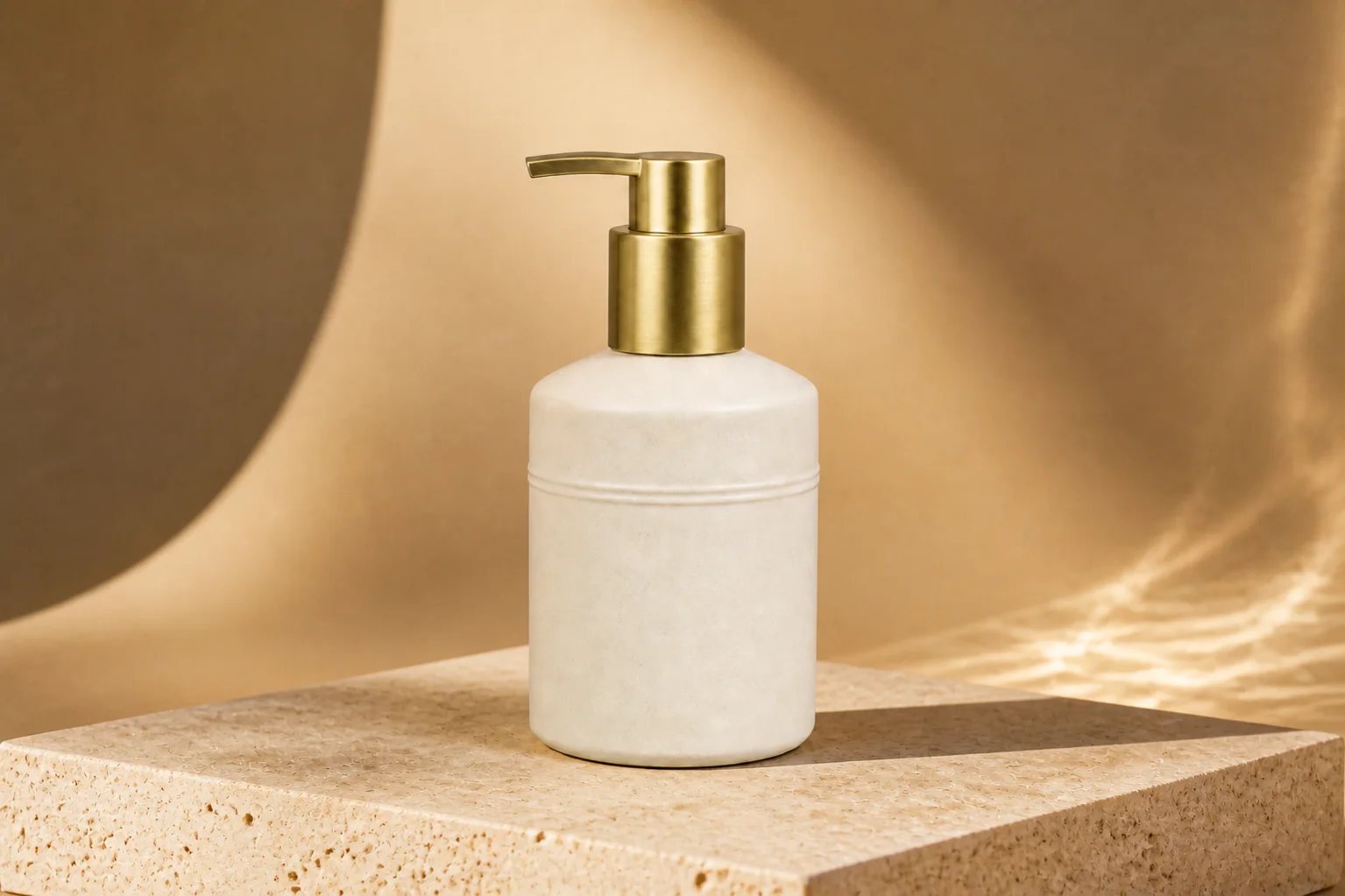
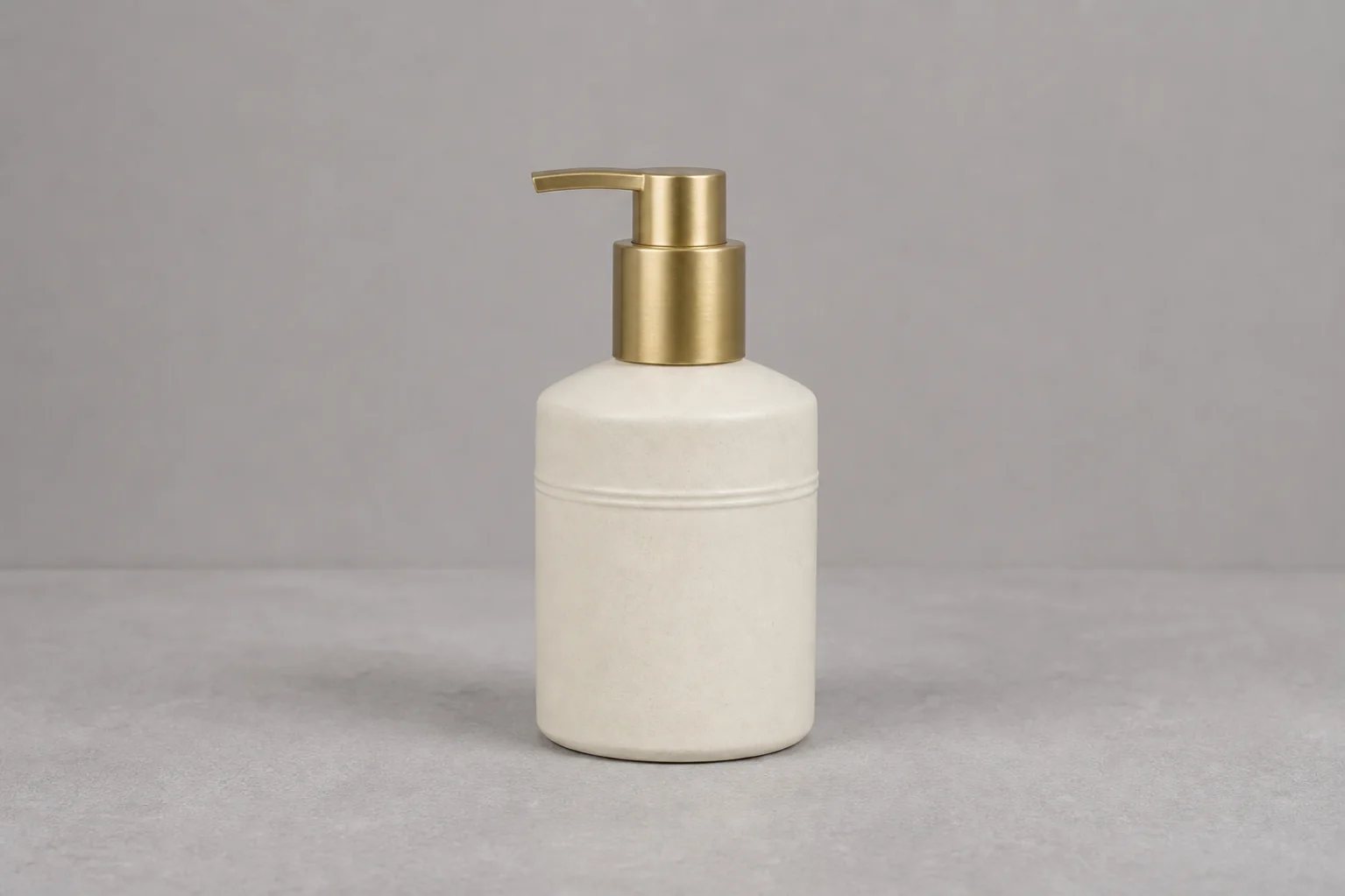
Direct the creative treatment around the item instead of starting another photoshoot. Review every result for packaging and product accuracy before it goes live.
Replace flat source lighting with a deliberate key, rim, shadow, and highlight structure.
Move from a basic sweep to lifestyle, editorial, seasonal, or marketplace-ready settings.
Guide the crop, product scale, negative space, and visual hierarchy for each destination.
The example uses the same unbranded ceramic pump bottle. The beautified version changes the studio world around it—warm light, tactile stone, stronger depth, and more intentional contrast.
Start with a sharp image that shows the full silhouette, packaging, and important material details.
Set the background, surface, lighting, mood, color direction, and placement you want to explore.
Compare variations, check product accuracy, and export the strongest image for your store or campaign.
Shape clean, tactile product worlds around bottles, jars, tubes, and beauty packaging.
Create appetite-led light, surface texture, and campaign-ready environments.
Give bags, jewelry, footwear, and small accessories a stronger editorial finish.
Build precise, modern compositions that keep materials and product geometry readable.
Name the visual changes you want, then lock the details that define the real item. That separation makes each campaign direction easier to review.
Open Custom ModeChange: the plain gray background into a warm premium studio set with tactile stone, sculpted golden light, and clean ecommerce framing.
Preserve: the exact bottle silhouette, pump orientation, packaging proportions, ceramic texture, gold finish, and camera perspective.
Avoid: extra products, text changes, warped packaging, floating objects, or unrealistic reflections.
An AI product beautifier turns an ordinary product photo into a more polished ecommerce or campaign image. It can improve the background, lighting, staging, composition, and overall visual finish while using the uploaded product as the reference.
Use a sharp, well-lit source image with a clear product silhouette and minimal obstruction. Front-facing or three-quarter product shots usually provide the most reliable starting point.
Yes. Describe the background and lighting you want while explicitly asking Filtrix to preserve the product shape, packaging, colors, materials, and visible details. Always review generated details before publishing.
Yes. Reuse the same source image with different creative directions, such as clean marketplace white, warm lifestyle, glossy beauty, bold social advertising, or seasonal campaign styling.
Use the workflow for beauty products, packaged goods, food and beverage items, accessories, homeware, consumer electronics, and many other physical products with a clear source image.
You can create concepts for product pages, marketplace listings, social campaigns, email, and ads. Check platform image requirements and verify that the generated image represents the product accurately before publishing.
Upload one clear product shot, set the visual direction, and create your first variation.
Beautify a product photo