Personalize a photo
Turn a pet, object, or portrait reference into simplified character artwork.
Create original die-cut sticker concepts with an AI sticker generator. Make pet stickers, food mascots, reaction art, and coordinated sticker sheets from text or a reference photo.
Try AI Sticker GeneratorDescribe a simple silhouette, consistent outline, limited palette, and enough breathing room for a believable sticker edge.
Turn the pet portrait into a charming original die-cut sticker, bold shapes, white border, clean isolated composition.
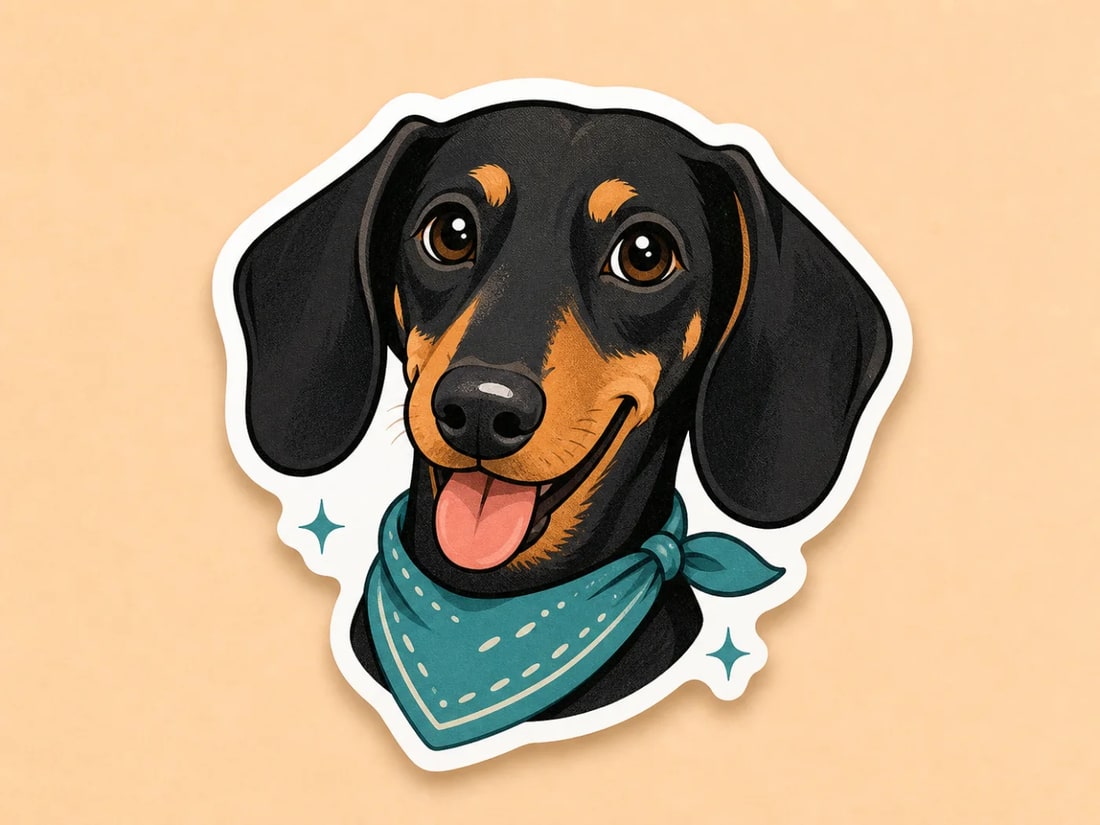
Keep the pet recognizable while simplifying shapes for a crisp die-cut silhouette.
Sticker concepts work best when the subject is distinct, the silhouette is clear, and the visual personality survives at a small size.
Turn a pet, object, or portrait reference into simplified character artwork.
Give a community, product, event, or inside joke a visual character of its own.
Generate coordinated objects and expressions with a shared palette and outline language.
Prompt for the subject, attitude, palette, outline, and physical sticker format.
Choose one recognizable idea, generate a clean artwork direction, then prepare the cut file.
Start with a clear subject. For photo stickers, use an image where the important features are easy to see.
Specify expression, palette, flat or dimensional rendering, white die-cut border, and isolated composition.
Review originality, clean the edge, create the final cut path, and confirm bleed, color mode, and resolution with your printer.
Practical answers about inputs, output quality, and preparing creative work for real use.
Yes. Upload a clear subject photo and ask the model to preserve recognizable features while simplifying the shape, color, and outline into sticker artwork.
Yes. Ask for a fixed number of related objects, a shared palette and outline style, and enough spacing between each design for separate cut lines.
The image can visualize a white die-cut border, but you should still create and inspect the final vector cut path, bleed, and print specifications before manufacturing.
Check the model and platform terms, verify originality, avoid protected characters and brands, and review local intellectual-property requirements before commercial use.
Turn a subject, mood, or photo into original sticker concepts with a clear silhouette and memorable character.
Create with Filtrix