01Approved source
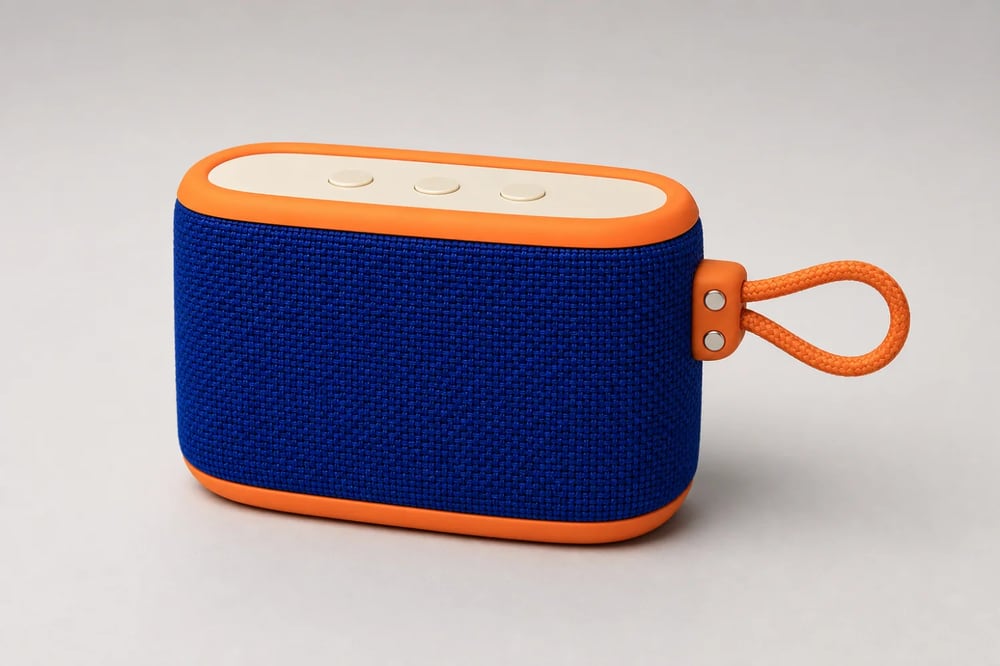
A clean, high-detail product photo gives the model reliable geometry, material, color, edge, and control-button references.
Upload one product photo and turn it into launch posters, sale ads, social stories, and store banners. Keep the item recognizable while AI builds the layout, campaign scene, and exact marketing copy around it.
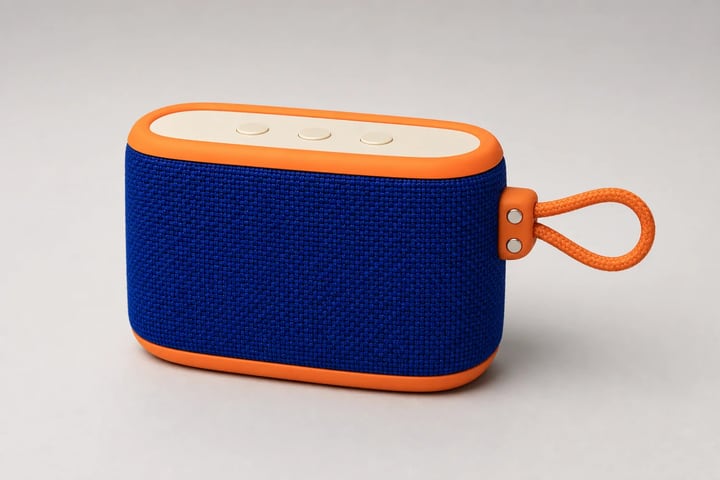 Product locked
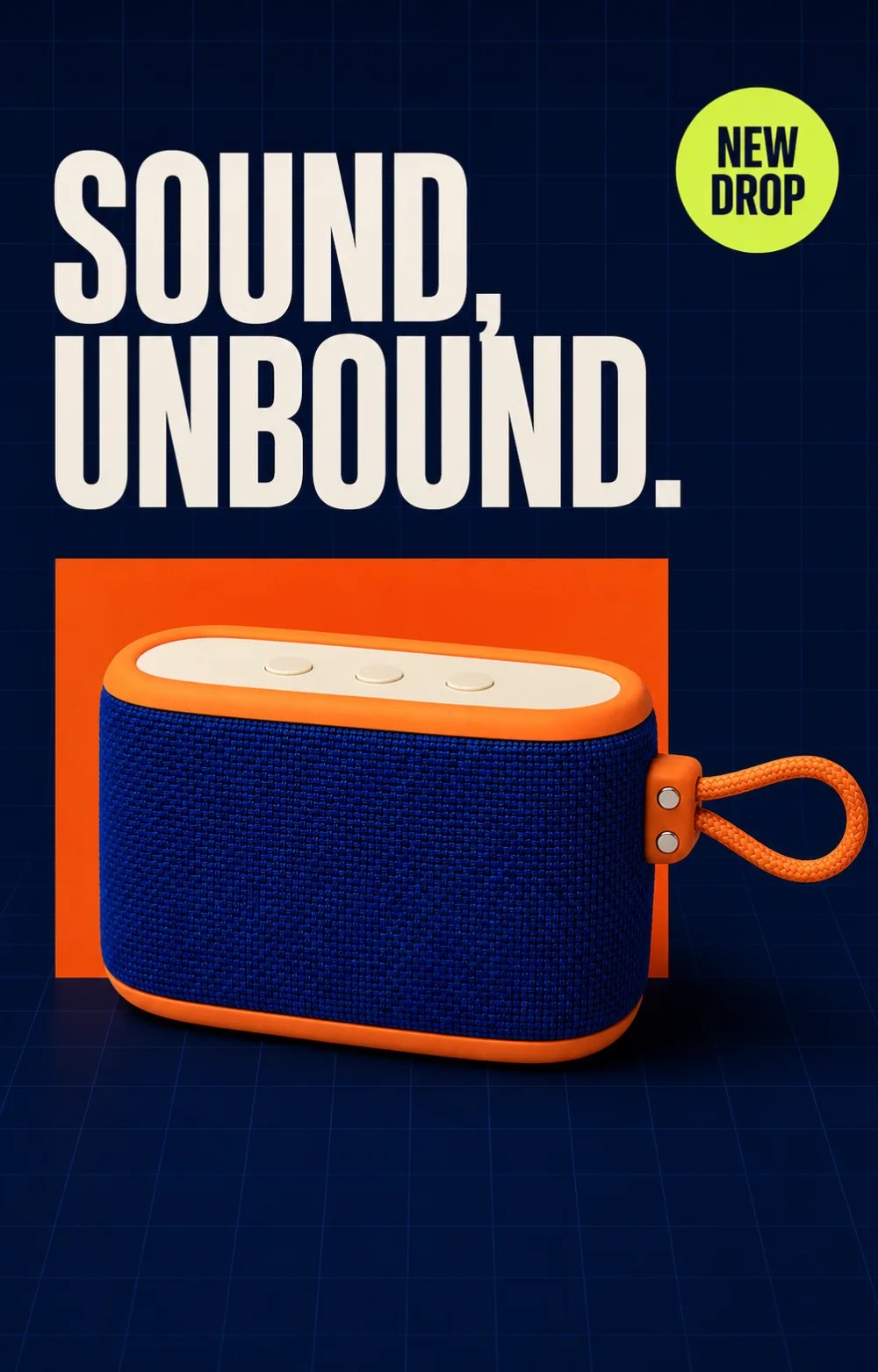
SOUND, UNBOUND. / NEW DROP
Build recognition for a new drop with a memorable headline and a hero-first composition.
The source stays the same while composition, message, mood, and aspect ratio adapt to the job. Reuse the product photography you already paid for instead of rebuilding every campaign from zero.
A clean, high-detail product photo gives the model reliable geometry, material, color, edge, and control-button references.
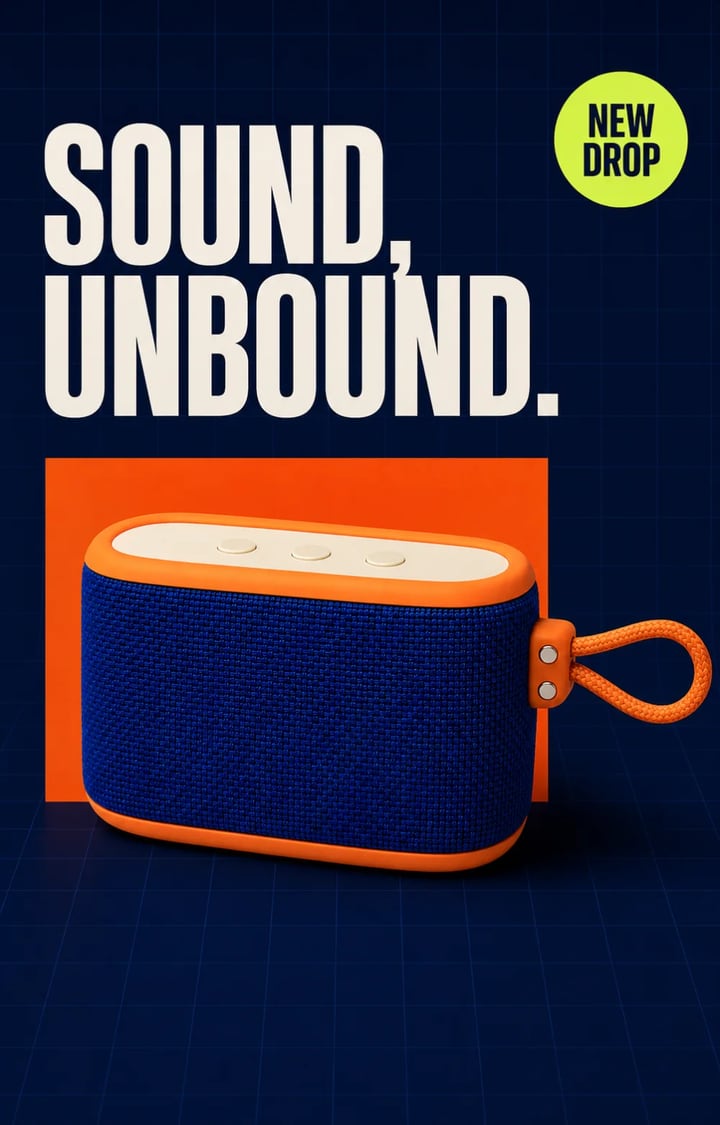 Product launch4:5 POSTER
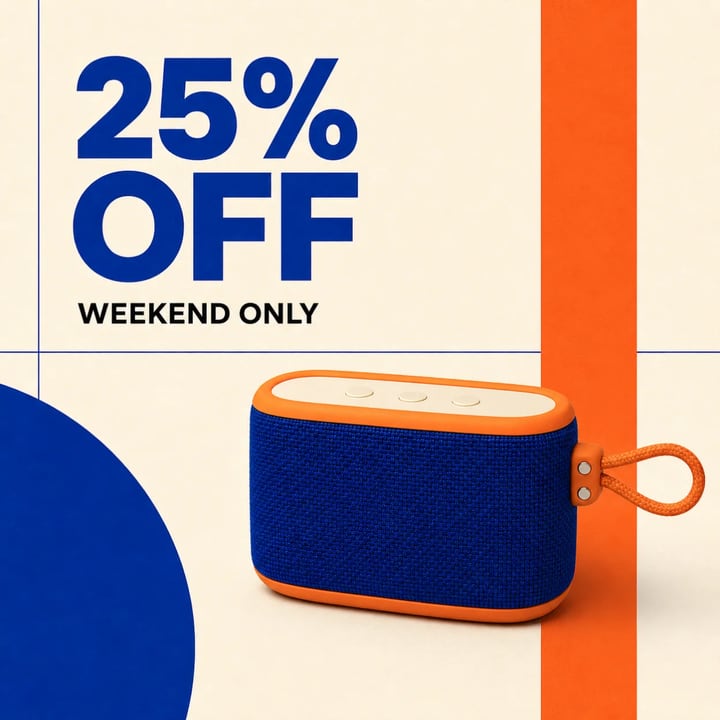 Weekend offer1:1 SQUARE
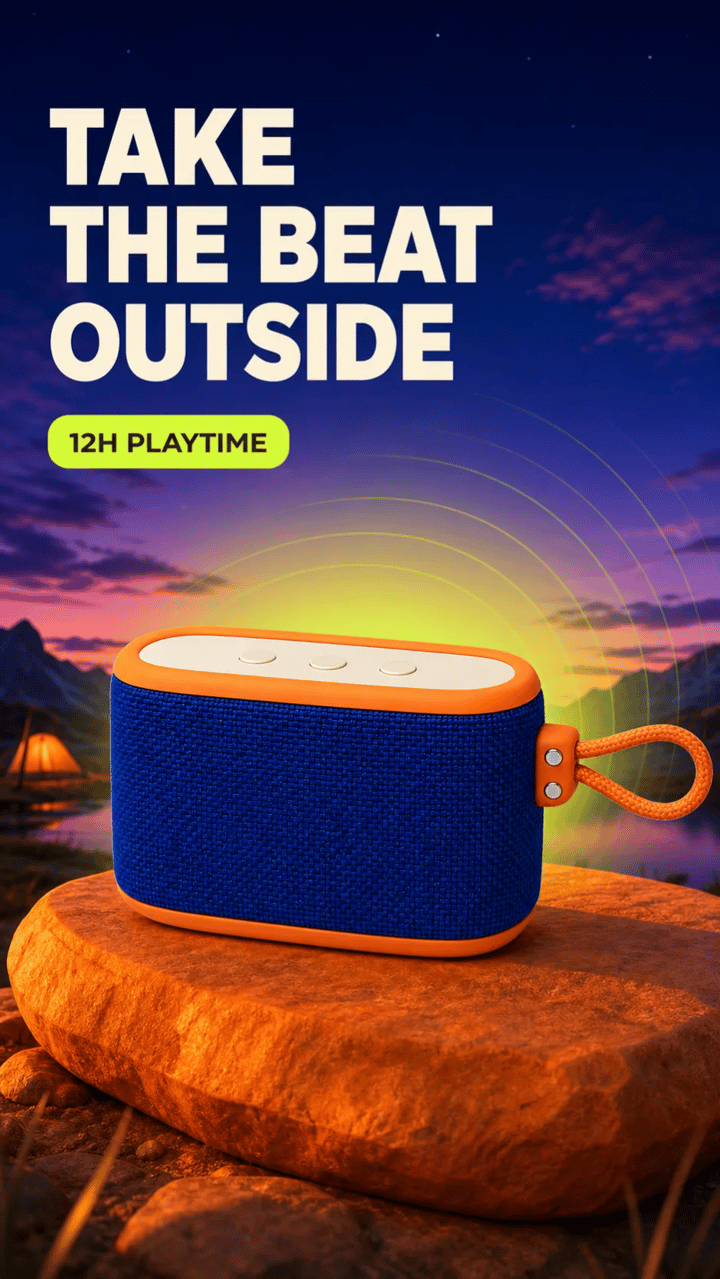 Social story9:16 STORY
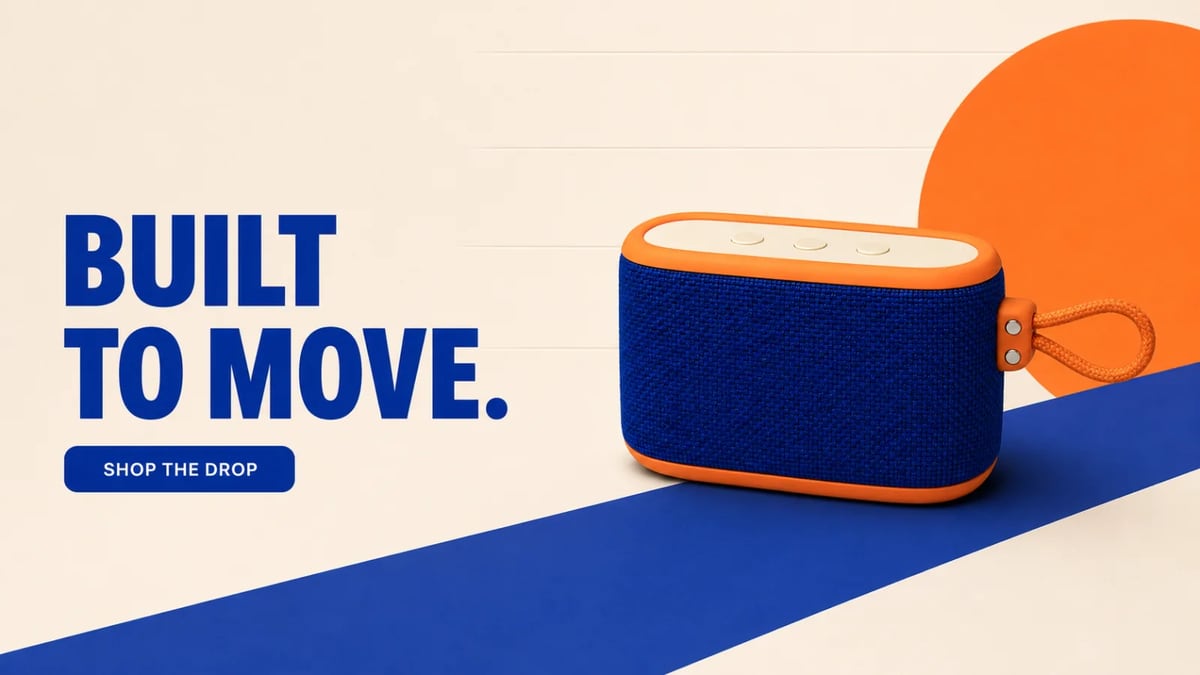 Store hero16:9 BANNER
A useful product poster prompt separates the business goal from the layout and the product details that cannot change. That structure produces clearer hierarchy, cleaner copy, and more reusable outputs.
State poster, square ad, vertical story, or wide store banner and include the target aspect ratio.
Choose launch awareness, offer conversion, feature education, or storefront click-through instead of mixing every goal.
Repeat shape, materials, color, labels, buttons, straps, proportions, camera angle, and protected edges.
Describe background, product position, headline placement, promotion marker, lighting, palette, and safe margins.
Keep it short, spell it exactly, ask for each line once, and forbid invented fine print, URLs, or logos.
Create a vertical 4:5 product launch poster for design-conscious outdoor audio. Use the uploaded speaker as the source of truth; preserve its cobalt fabric, orange bumpers, right-side loop, ivory three-button strip, proportions, and angle. Build a midnight navy grid, orange block, and acid-lime marker. Render only “SOUND, UNBOUND.” and “NEW DROP”, each once. No extra text, logo, product drift, or cropped edges.
A single master layout is rarely enough. Build each output around its viewing distance, crop behavior, and conversion job.
4:5Stop the scroll and make the new release memorable.
1:1Make discount, urgency, and product clear at a glance.
9:16Fill the mobile screen with one feature-led message.
16:9Balance conversion copy, product focus, and responsive crop safety.
Create the asset that matches the moment instead of forcing the same template into every channel.
Pair a clean hero product with a bold campaign line for launches, announcements, landing pages, and retail displays.
Lead with the offer, keep the item premium, and produce clear Black Friday, weekend, bundle, or seasonal sale artwork.
Adapt the same item to square posts, vertical stories, paid social placements, thumbnails, and creator briefs.
Build wide Shopify, marketplace, collection-page, and email-header visuals with deliberate copy-safe space.
The composition can change dramatically while the approved product, required message, and delivery format remain explicit.
Anchor shape, material, color, controls, straps, packaging details, angle, and crop to the uploaded source.
Specify short headlines, offer copy, feature claims, and calls to action as quoted visible text.
Direct palette, typography character, lighting, props, graphic forms, mood, surface, and visual hierarchy.
Create portrait posters, square ads, vertical stories, landscape banners, and alternative crops from the same asset.
Treat the generator like a compact creative team: provide the approved product, define the campaign job, then review both design and product fidelity.
Start a product posterUse a sharp, well-lit source with the full product visible and enough space around fine edges, handles, straps, or packaging.
Choose the channel and ratio, describe composition and art direction, quote required text, and list product details to preserve.
Check spelling, duplicated text, labels, geometry, colors, materials, shadows, safe margins, and edge crops before publishing.
Plan the input, prompt, copy, and review process before you publish a generated commercial asset.
It uses a product photo and a written campaign brief to generate a designed marketing poster with a background, composition, lighting, typography, offer, and channel-ready aspect ratio.
Yes. A clear source photo can be reused across launch posters, sale ads, social stories, and store banners. Review each output because hidden details and complex packaging may still be inferred.
Describe the uploaded image as the source of truth and explicitly lock silhouette, proportions, colors, materials, labels, controls, handles, straps, camera angle, and any fine edge details.
Yes. Short copy works best. Put required text in quotation marks, request it exactly once, define its placement and hierarchy, and prohibit extra words, logos, URLs, or fine print.
Common formats include 4:5 product posters, 1:1 social and marketplace ads, 9:16 stories, 16:9 store banners, and custom portrait or landscape canvases.
Verify spelling, factual claims, offer terms, product labels, trademarks, geometry, material and color accuracy, duplicated elements, hands if present, shadows, crop safety, and platform requirements.
Upload the source, choose the destination, write the exact message, and create a poster built for the next campaign surface.
Create a product poster