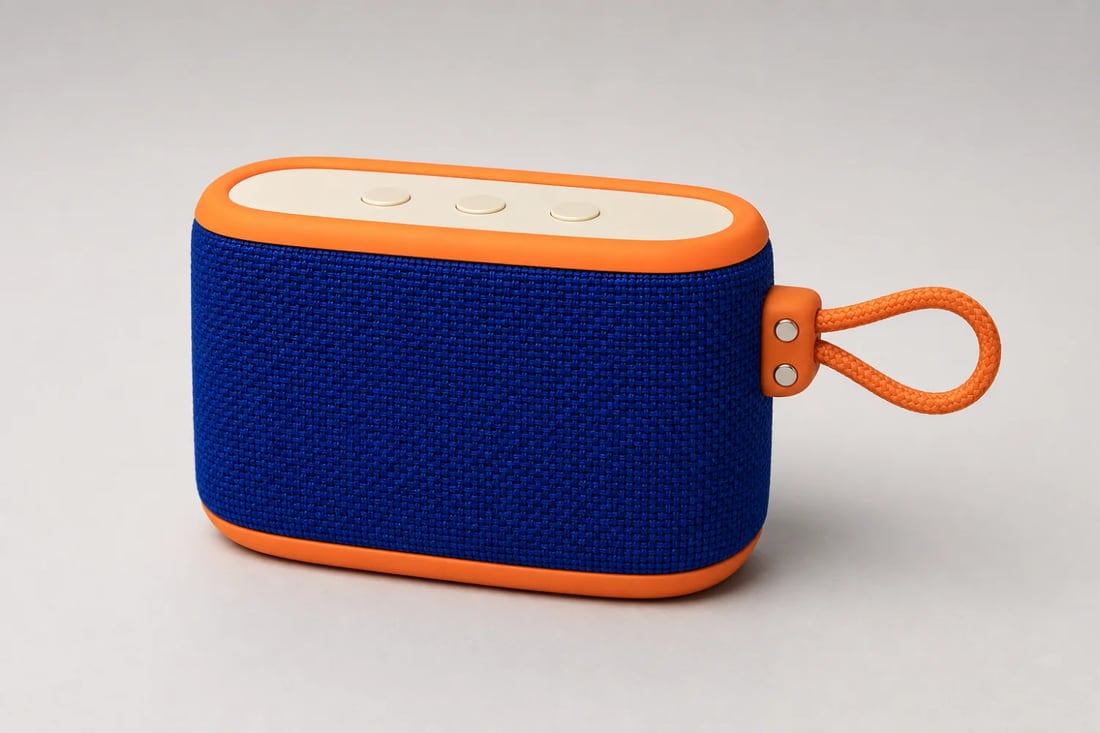
 SOURCE
Approved blue and orange source
The source defines shape, woven texture, controls, loop, light, and shadow before any color changes.
Recolor products, clothing, packaging, and branded objects from one approved photo. Create realistic color variants while preserving materials, lighting, shadows, controls, and product geometry.
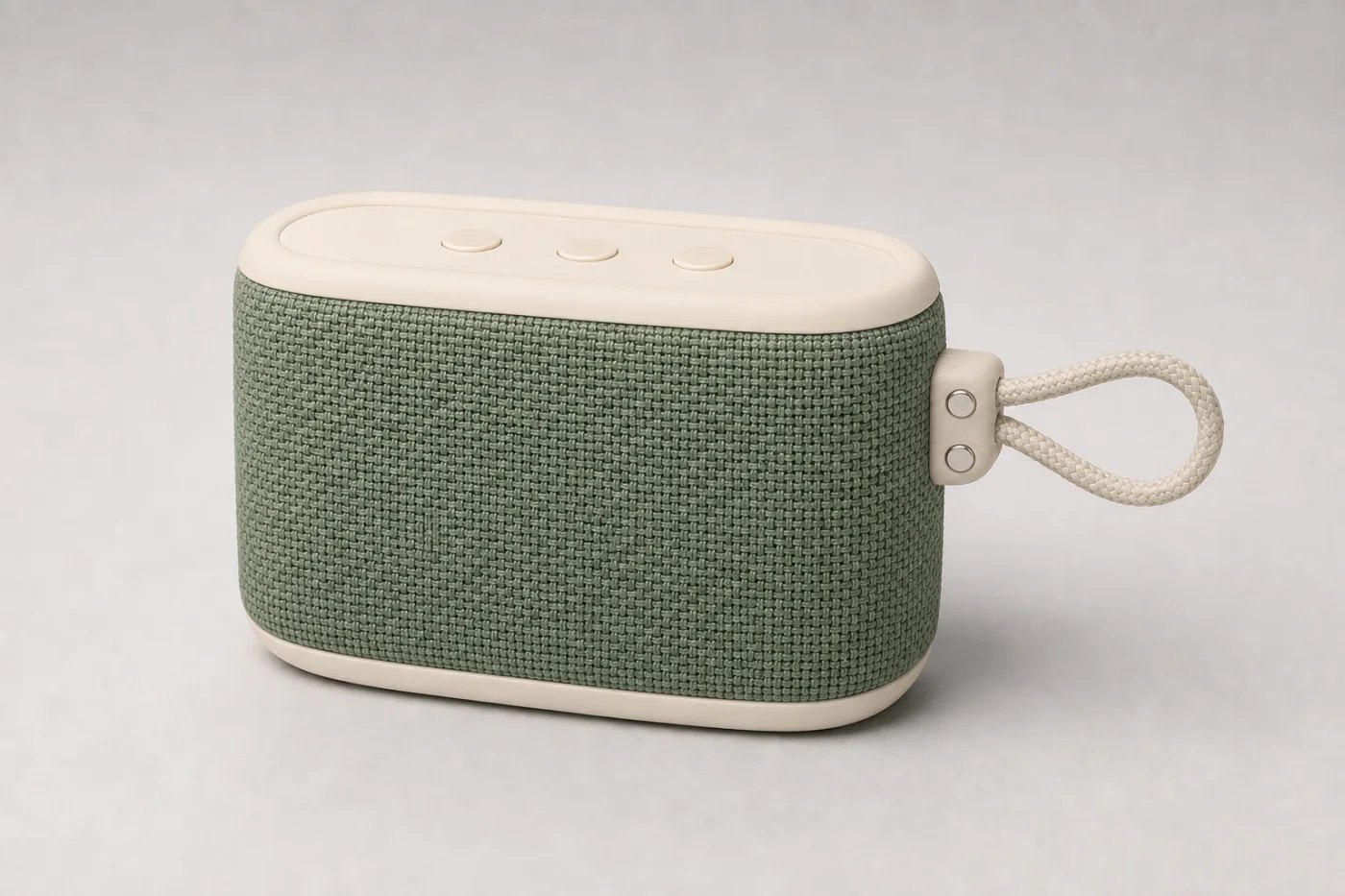
A useful recolor keeps woven fibers, rubber edges, highlights, hardware, shadows, and protected details believable in every shade.
SOURCEThe source defines shape, woven texture, controls, loop, light, and shadow before any color changes.
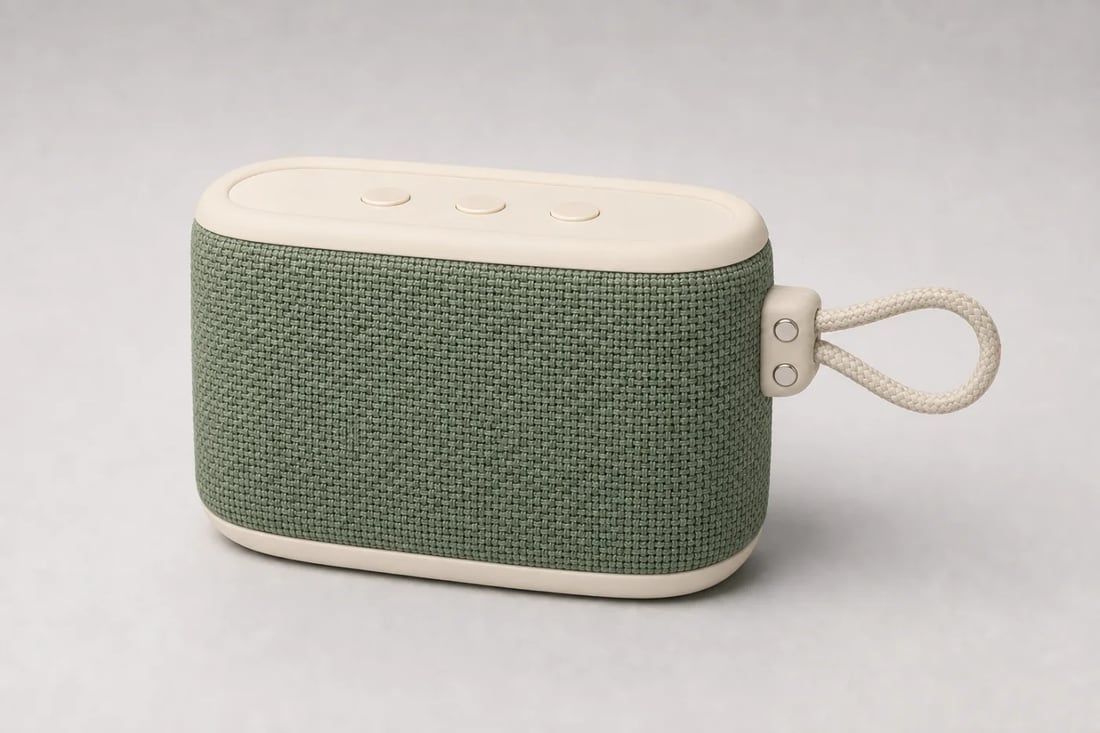 COLORWAY 01
A calm retail colorway with the same woven surface, soft rubber parts, three buttons, and grounded shadow.
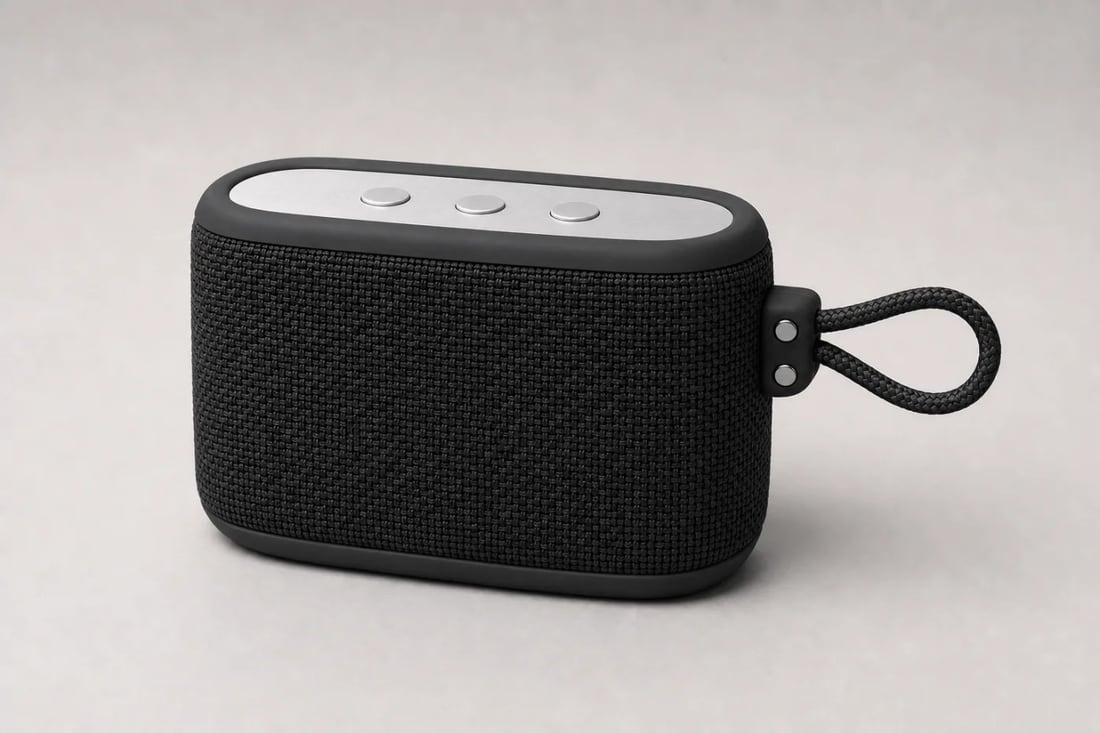 COLORWAY 02
A premium dark variation that protects material separation and keeps every control readable.
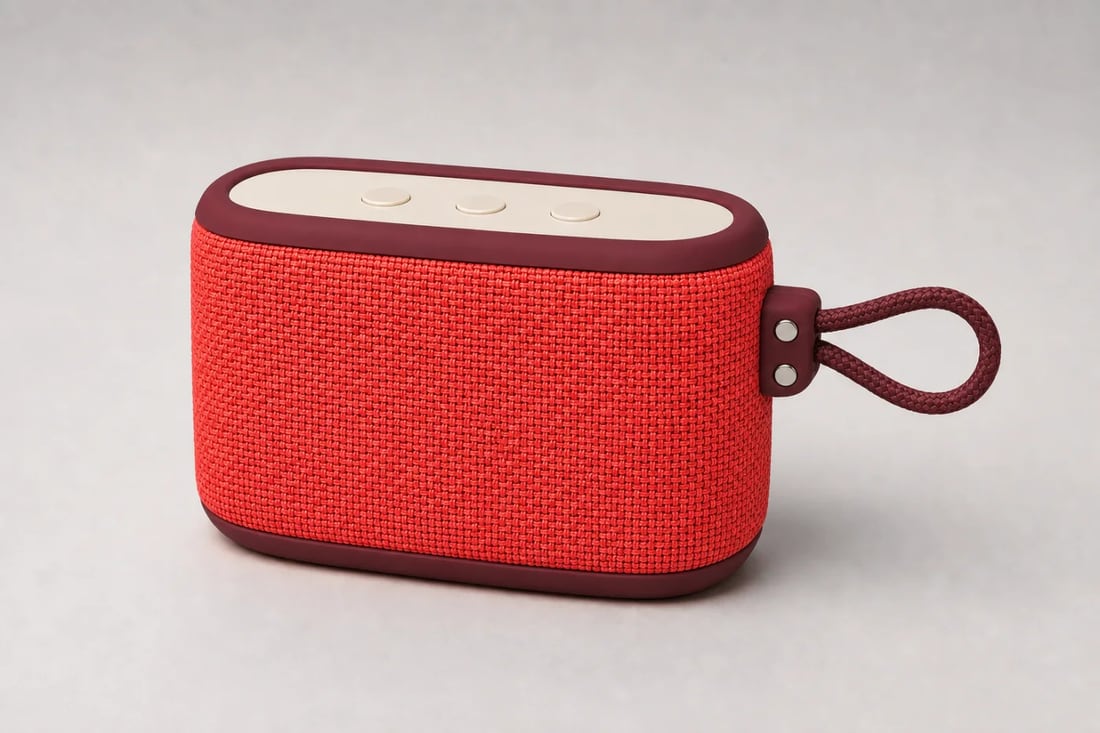 COLORWAY 03
A vivid seasonal option created without rebuilding or reshooting the product.
Direct the change precisely and keep the attributes shoppers use to recognize the item.
Change fabric, trim, packaging, clothing, furniture, or a specific object instead of tinting the whole image.
Protect weave, grain, reflections, buttons, straps, labels, proportions, camera, and shadows.
Create seasonal palettes, SKU colorways, campaign variations, and visual merchandising tests without another shoot.
Treat the source as truth, isolate the color change, and review every protected detail before publishing.
Create a colorwayUse a sharp image with visible edges, materials, controls, packaging, and natural light.
Name the object or material and the target color. State what must remain unchanged.
Check hue, texture, labels, geometry, hardware, shadows, and color spill before export.
Plan precise recolors for ecommerce, catalogs, apparel, packaging, and campaign production.
It uses a product photo and written instruction to recolor selected materials or objects while preserving the rest of the image.
Yes. Use one approved source to build a family of colorways, then review each output for consistent geometry, labels, texture, and lighting.
They can be preserved when the prompt explicitly locks materials, camera, highlights, shadows, hardware, and every part that must not change.
Upload an approved product image and keep its identity intact while the palette changes.
Change product colors