Create from text
Use the prompt formula to define a new identity from scratch. Lead with the character's role and permanent traits before pose, setting, or lighting.
Create original characters from text or a reference image. Define appearance, personality, outfit, pose, camera, and art style—then use Image Edit to change one detail without starting over.
Try AI Character GeneratorStart with identity, then add visual anchors, expression, pose, setting, style, camera, and lighting. Specific nouns and visible details outperform a long list of vague adjectives.
Original young sky courier, short silver hair, amber goggles, patched navy flight jacket, optimistic but stubborn expression, dynamic three-quarter pose, crisp manga ink, selective screentone, wind-torn cloud port, medium shot.
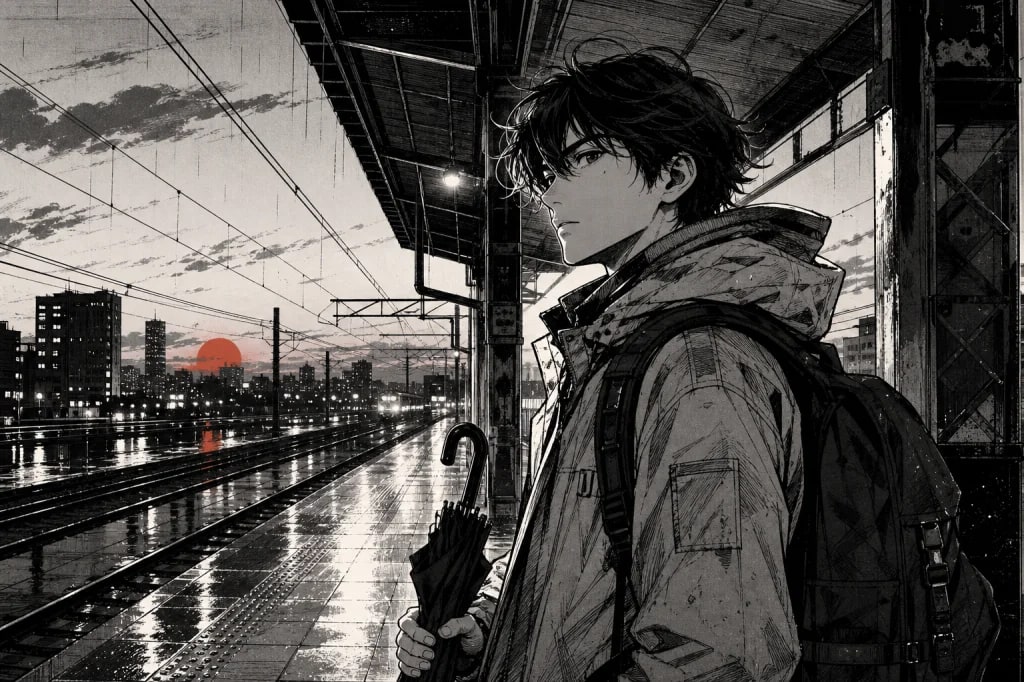
Use line weight, shape language, expression, and a limited palette to make the character recognizable at a glance.
Choose the workflow that matches what you already have. The more you want to preserve, the more clearly you should name what must stay unchanged.
Use the prompt formula to define a new identity from scratch. Lead with the character's role and permanent traits before pose, setting, or lighting.
Upload one clear front or three-quarter view. Ask the model to preserve face, hair, body proportions, signature clothing, and palette while changing only scene or pose.
Edit one variable at a time: expression, jacket, prop, background, or camera. Say what to change and what to lock so a good base image is not rebuilt unnecessarily.
A useful character prompt reads like a compact art-direction brief. Put identity first, temporary scene details last, and remove instructions that contradict each other.
Create one strong base, preserve its identity with a clean reference, and use narrow edit instructions instead of regenerating everything at once.
Start with a neutral portrait or full-body view on a simple background. Confirm face, hair, proportions, signature outfit, and palette before adding a complex scene.
Choose an uncropped image with visible facial features and little motion blur. If multiple images are supported, use consistent views rather than conflicting designs.
Write: preserve the same face, hairstyle, body proportions, signature outfit details, and color palette. Then describe only the new pose, setting, or camera.
Change one or two related details per pass. Example: replace the red jacket with a worn navy bomber; keep face, hair, pose, hands, lighting, and background unchanged.
Practical answers about inputs, output quality, and preparing creative work for real use.
An AI character generator creates original character images from a written description, a reference image, or both. You can direct physical traits, clothing, personality, pose, environment, camera, and visual style.
Use a stable order: identity, visual anchors, wardrobe, expression and pose, art style, then setting, camera, and lighting. Prefer concrete visible details and avoid combining styles or instructions that conflict.
Use a clear, well-lit, uncropped front or three-quarter image. Tell the model exactly which traits to preserve—such as face, hair, proportions, outfit details, and palette—and separately describe what may change.
Use Image Edit when most of the image already works and you only need to change a local attribute, prop, expression, outfit, background, or color. A narrow edit instruction usually protects more of the approved image.
First create a clean base image and reuse it as the reference. Repeat the same identity anchors and preservation rule, change one scene variable at a time, and use the Consistent Character Generator for a longer multi-image series.
Yes. Name one primary style and add its visible production cues—for example line weight and screentone for manga, material and lighting for 3D, or sprite scale and palette limits for pixel art.
Start with a specific brief, lock the traits worth keeping, and use reference images plus Image Edit to evolve the character with control.
Create with Filtrix