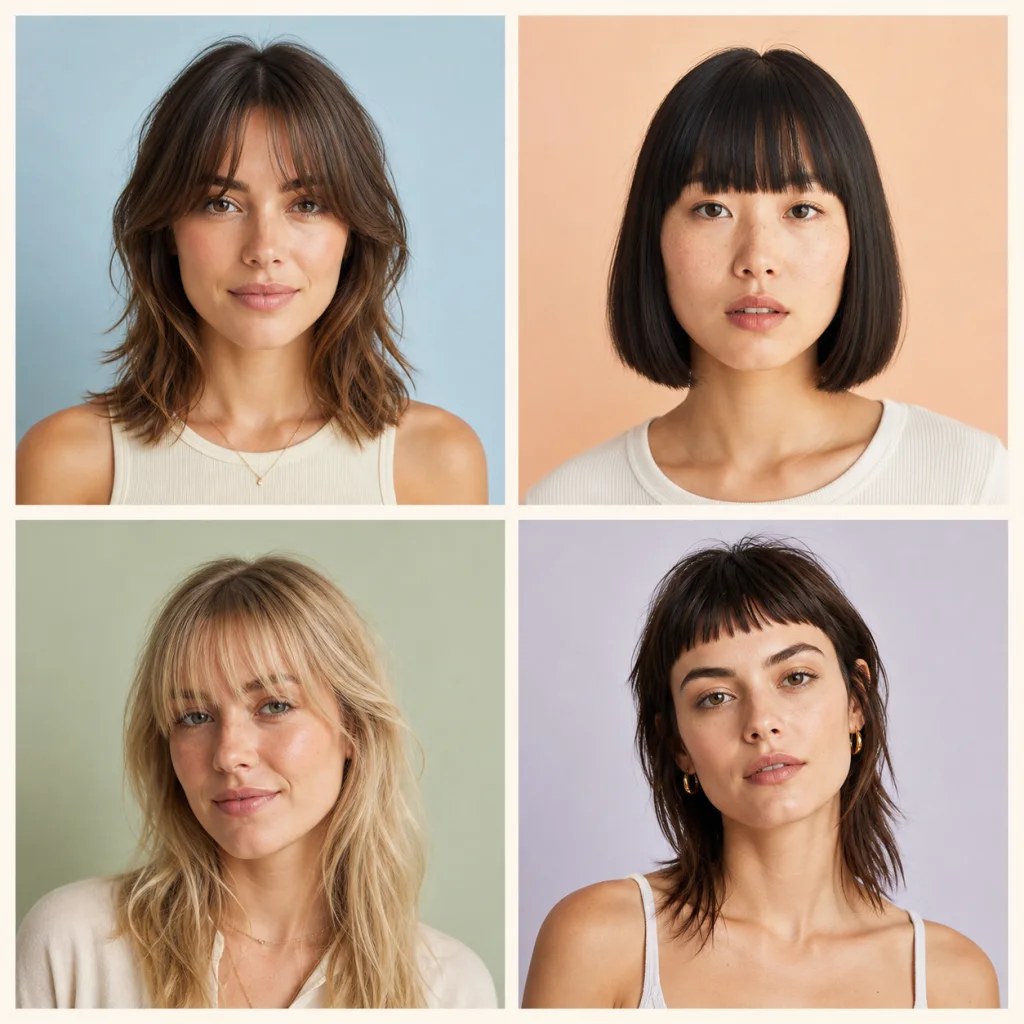
01Soft
Curtain Bangs
A center split and longer outer pieces create a soft frame that blends into layered hair.
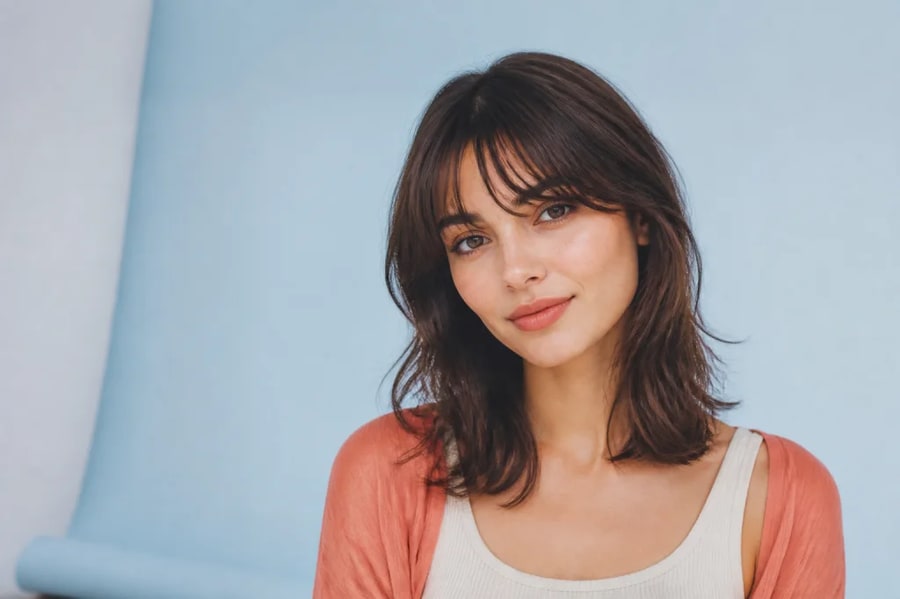
Five fringe directions · preserved face shape · easy comparison
See how curtain, blunt, wispy, side-swept, or micro bangs could frame your face. Preview multiple fringe styles on one portrait while preserving your identity, hair color, and overall haircut.
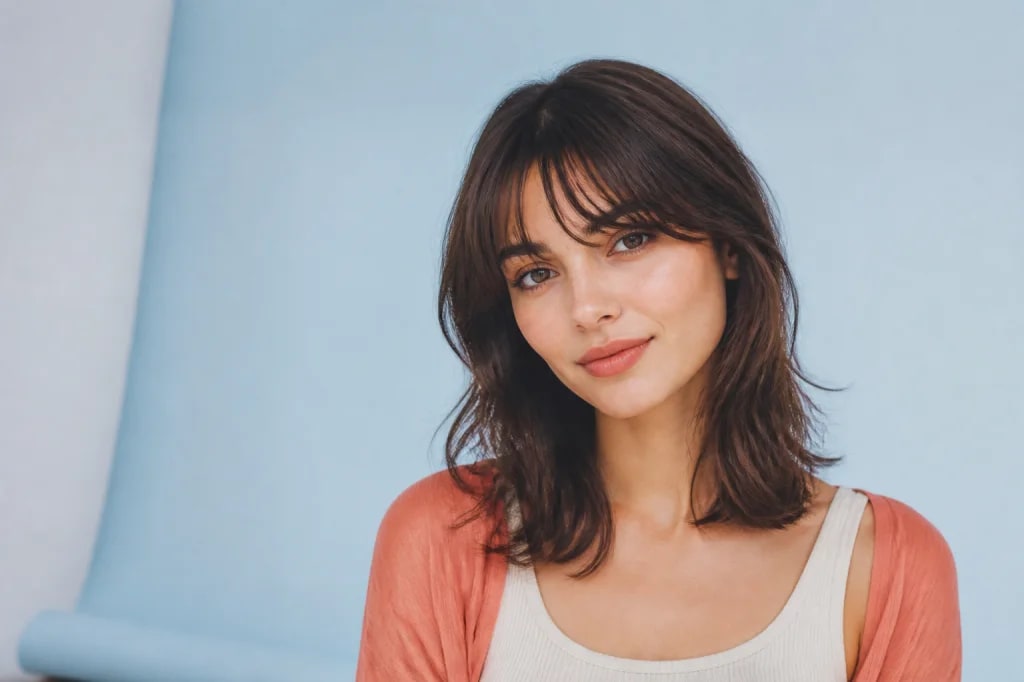
Five fringe directions · preserved face shape · easy comparison
01 / Visual directions
Bangs affect the apparent proportions of the forehead, brows, cheekbones, and haircut. Compare consistent portraits so the fringe—not the pose—drives the decision.
A center split and longer outer pieces create a soft frame that blends into layered hair.
A straight, denser line creates a graphic shape and draws attention toward the eyes.
Light, separated strands reveal more forehead and add movement without a heavy visual block.
A short fringe creates an expressive fashion-forward line while leaving the eyebrows visible.
02 / Why it works
Keep facial features and expression stable so changes in length, density, and parting are easier to judge.
Preserve the original shade and texture or deliberately test a new color at the same time.
Explore curtain, bottleneck, blunt, wispy, side-swept, curly, or micro bangs without making a permanent cut.
Bring a preferred concept to a stylist, who can adapt it to your real texture, growth pattern, and maintenance needs.
03 / Three-step workflow
Keep the source clear, describe one strong direction, then refine the output with deliberate changes.
Choose even light, a visible hairline, and hair that is not covering the forehead.
Describe length, density, parting, texture, and how the sides should blend into your haircut.
Try several fringe directions with the same photo, then save the strongest reference.
04 / Questions
An AI bangs filter edits a portrait to preview fringe hairstyles while preserving the person's face and most of the original haircut. You can specify shape, length, density, parting, color, and texture.
You can request curtain, bottleneck, blunt, wispy, side-swept, curly, baby, or micro bangs. Describe where the fringe ends and how the sides blend for a more useful preview.
Use a front-facing portrait with an unobstructed forehead, visible hairline, even lighting, and a neutral head angle. Pulled-back hair can make the new fringe easier to place accurately.
Yes. Ask to match the bangs to the original hair color, highlights, root shade, curl pattern, and shine. You can also request a deliberate color change if you want to test both ideas.
No. It is a visual planning aid. Real bangs depend on texture, cowlicks, density, humidity, styling, and maintenance. A hairstylist can translate the reference into a practical cut.
Use the same source photo, expression, crop, and hair color for each variation. That makes it easier to compare forehead coverage, eye emphasis, cheekbone framing, and overall balance.
05 / Keep exploring
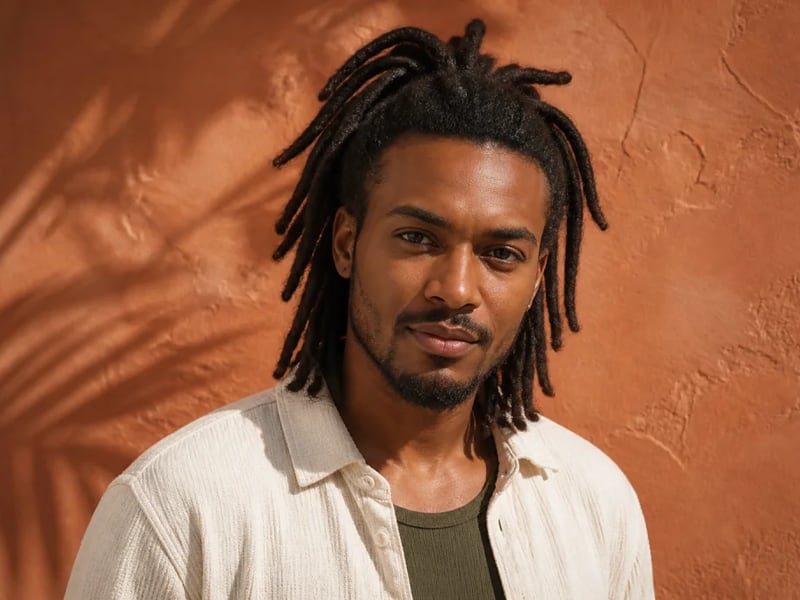
Preview loc hairstyles on your photo before changing your hair. Compare starter locs, shoulder-length locs, updos, and longer looks while preserving your face, skin tone, and natural hairline.
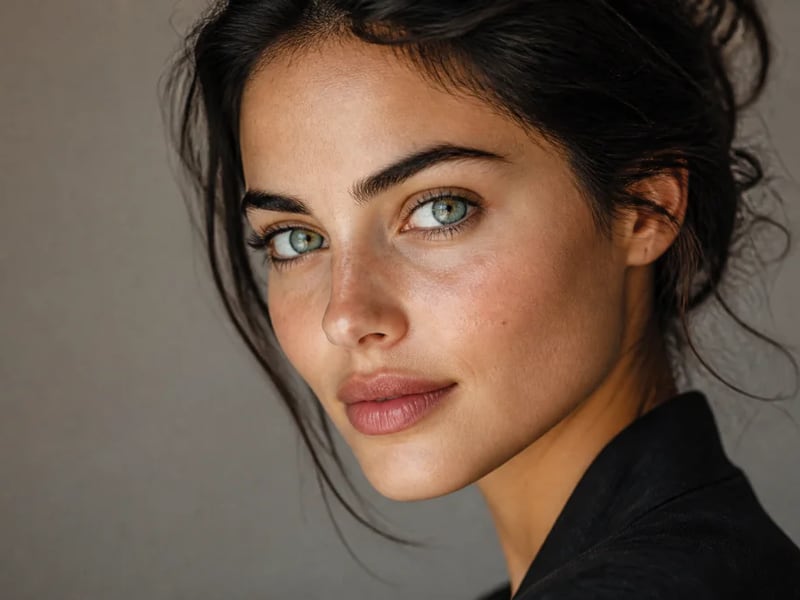
Preview blue, green, hazel, gray, amber, or fantasy eye colors in your photo. Keep natural iris detail, catchlights, skin tone, and facial identity while changing only the eye color.
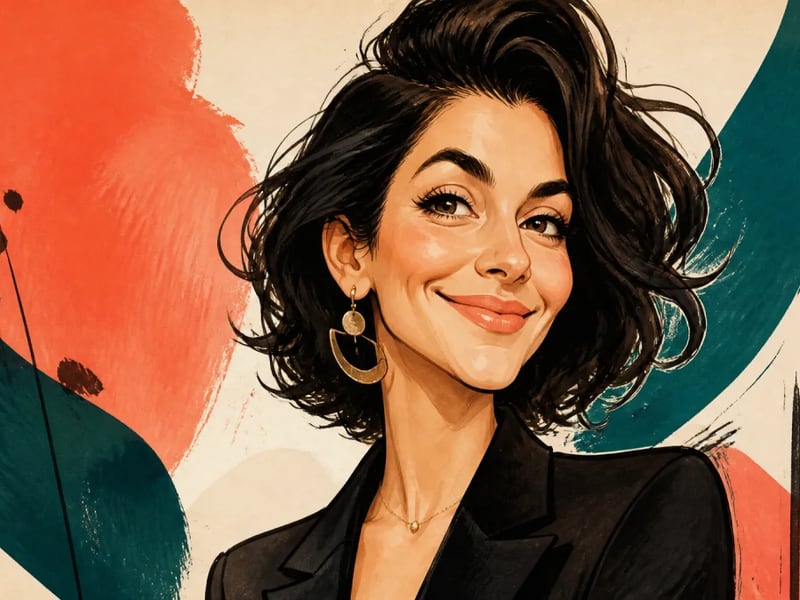
Turn a portrait into a lively illustrated caricature while keeping the person recognizable. Guide the expression, exaggeration, ink style, and color palette for gifts, profiles, and editorial artwork.
Upload one portrait and compare curtain, wispy, blunt, or bold bangs with the rest of your look preserved.
Start creating