How to Use seeDance 2.0 in the US: A Step-by-Step Guide (And an Easier Way)
The world of AI video generation is buzzing about seeDance 2.0, the groundbreaking model from ByteDance (TikTok's parent company). It's a leap forward, shifting control from the AI to the creator. But for users in the United States, a key question remains: how can you actually use it?
How to Access seeDance 2.0 from the US (The Current Method)
This guide provides a detailed, actionable tutorial for accessing seeDance 2.0 right now. We'll also unveil a much simpler, official path forward, launching soon on Filtrix A This section is a technical walkthrough for early adopters. Please note that this process requires several steps and highlights the convenience that an official integration, like the one coming to Filtrix AI, will provide.
Step 1: Get a Number for SMS Verification
To register for the necessary app, you'll need a Chinese phone number. You can use an online SMS verification service like TextVerified or SMSPool to get a temporary number for the sole purpose of receiving a registration code.
Step 2: Download and Register on Douyin
1.On your mobile device, change your App Store's region to "China."
2.Search for and download the app named "抖音" (Douyin), which is the Chinese version of TikTok.
3.Open the app and use the number from Step 1 to create and verify your account.
Step 3: Log into the Jianying (即梦) AI Platform
1.On your desktop web browser, navigate to jimeng.jianying.com. This is the AI creation platform from the team behind CapCut (known as Jianying in China).
2.The website will display a QR code. Open the Douyin app on your phone, find the scanner function, and scan the QR code on your computer screen to authorize your login.
Once you complete these steps, you can begin exploring the powerful features of seeDance 2.0. However, this is a temporary workaround, not a long-term solution.
A New Way to Create: How to Use seeDance 2.0 Features
The magic of seeDance 2.0 lies in its @ reference system. This system allows you to direct the AI, telling it precisely how to use each asset you upload.
How-To Example:
Imagine you upload a photo of a model (@Image1), a video of a dance routine (@Video1), and a background music track (@Audio1). Your prompt could be:
Make the model from @Image1 perform the dance from @Video1, with @Audio1 as the background music.
This command-based workflow gives you an incredible level of creative control. You can combine different elements to achieve complex results, including:
- Motion and Camera Replication: Apply the cinematography and movements from one video to a completely new character and setting.
- Character Consistency: Ensure a character's appearance remains identical across multiple, varied shots.
- Style Transfer: Use the artistic style or editing pace of one video to generate entirely new content.
The Simpler Way: Official Access via Filtrix AI
We understand that the process above is too complex for most users. That's why the Filtrix AI team has been working hard to provide the most seamless and powerful seeDance 2.0 experience possible.
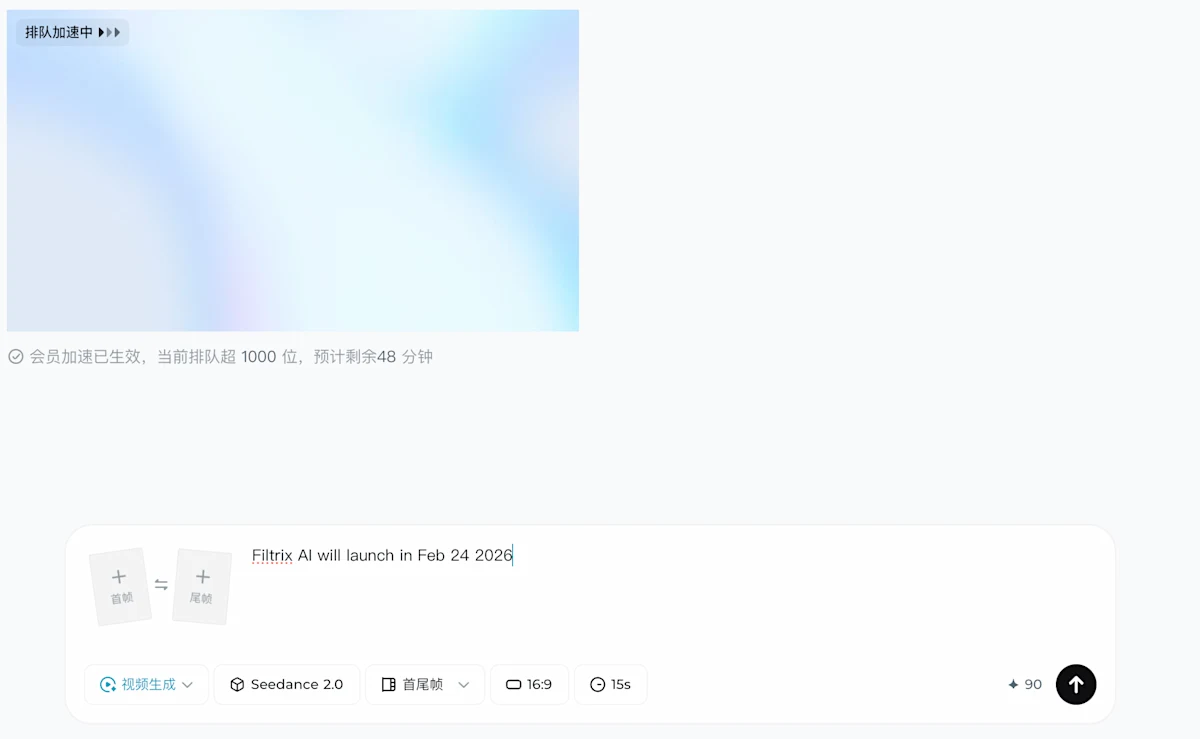
We are thrilled to announce that Filtrix AI will officially launch its seeDance 2.0 video generation feature on February 24th!
No complicated setups will be necessary. You will be able to access the full power of seeDance 2.0 with the click of a button, directly within the Filtrix AI platform.
Ready for the Future of AI Video?seedance 2.0 is coming to Filtrix AI. We've prepared a detailed explainer on this revolutionary model. Register now to join our waitlist and be the first to gain official access on February 24th! Click Here to Learn More About seeDance 2.0 and Sign Up for Early Access on Filtrix AI